
HMI SBC Solutions for Touchscreen and Operator Interface Products
Android and Linux SBC solutions for HMI panels, operator terminals, touchscreen control products, and display-based equipment interfaces.
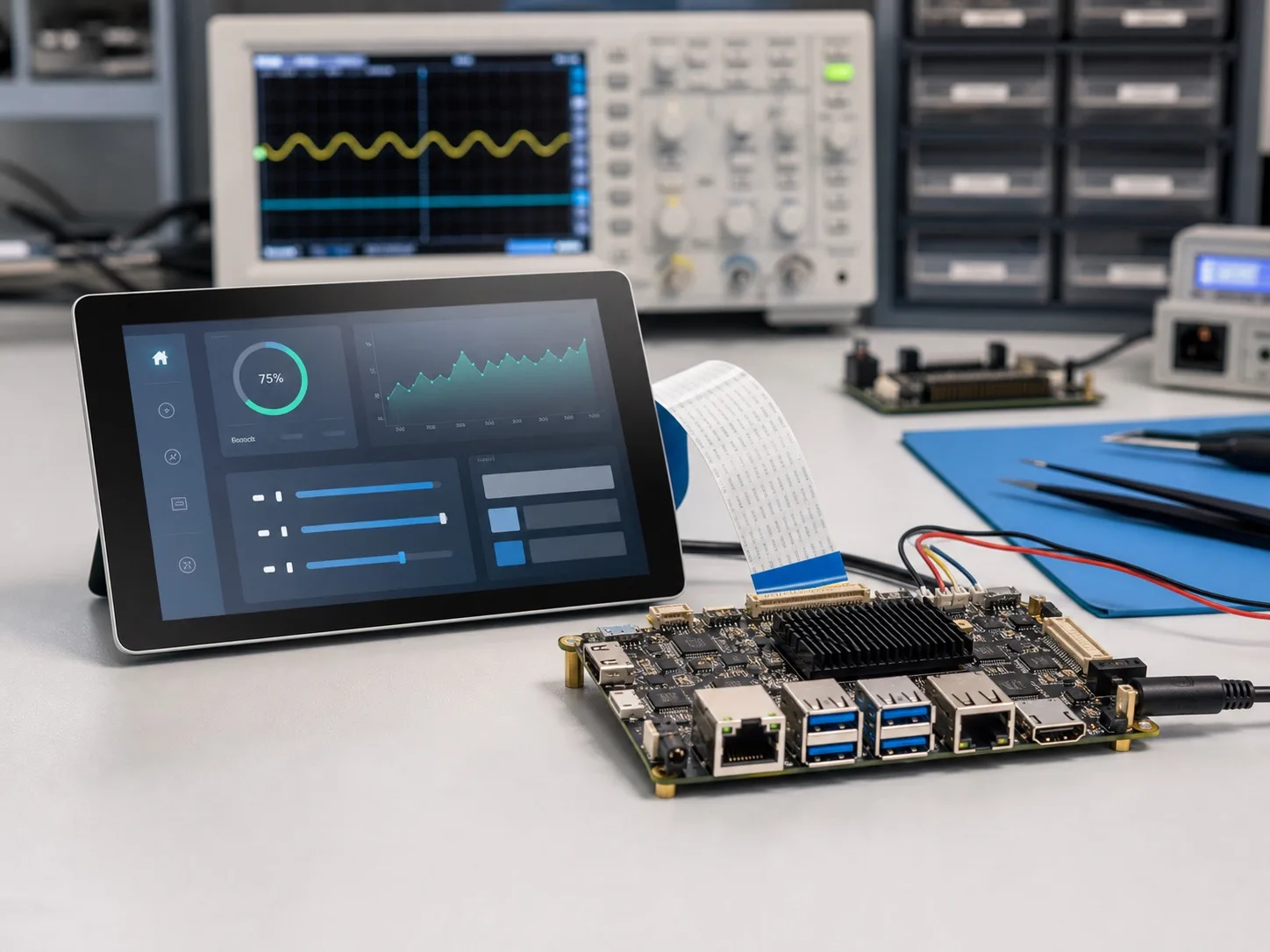
From display requirement to product-ready HMI board
HMI products often start with a screen, touch panel, enclosure, and user workflow. The board behind the HMI must support the display interface, touch controller, operating system, peripheral I/O, power input, and production lifecycle.
Avontek supports HMI projects with Rockchip and Allwinner SBC selection, Android or Linux BSP adaptation, display and touch bring-up, custom mainboard design, functional testing, and manufacturing coordination.
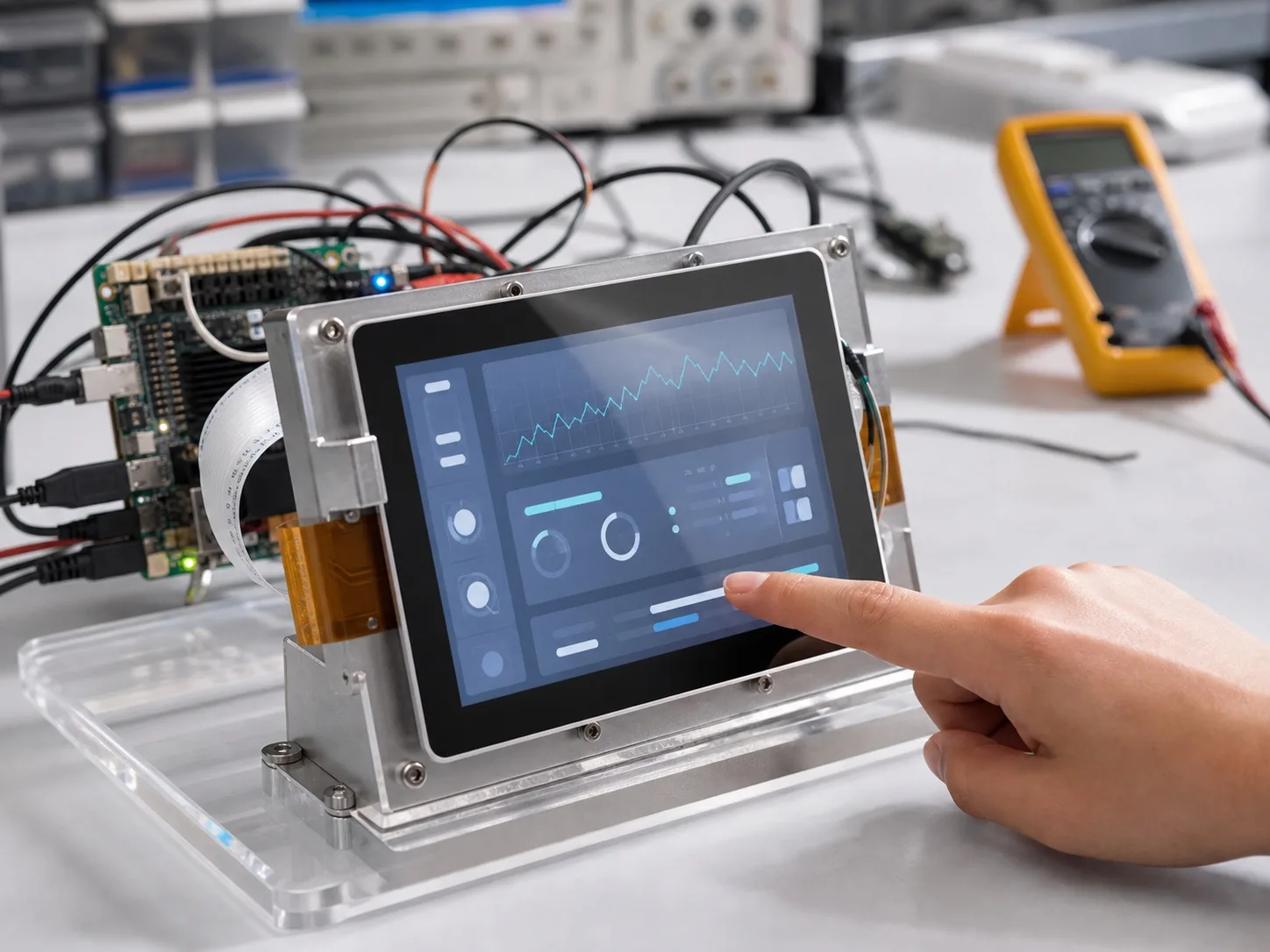
Design around the screen, touch panel, and enclosure
For HMI products, the display is usually the center of the product definition. Avontek reviews resolution, display interface, touch controller, cable direction, connector location, enclosure structure, mounting points, power input, and UI workflow before recommending an Android HMI board, Linux HMI board, or custom HMI mainboard direction.
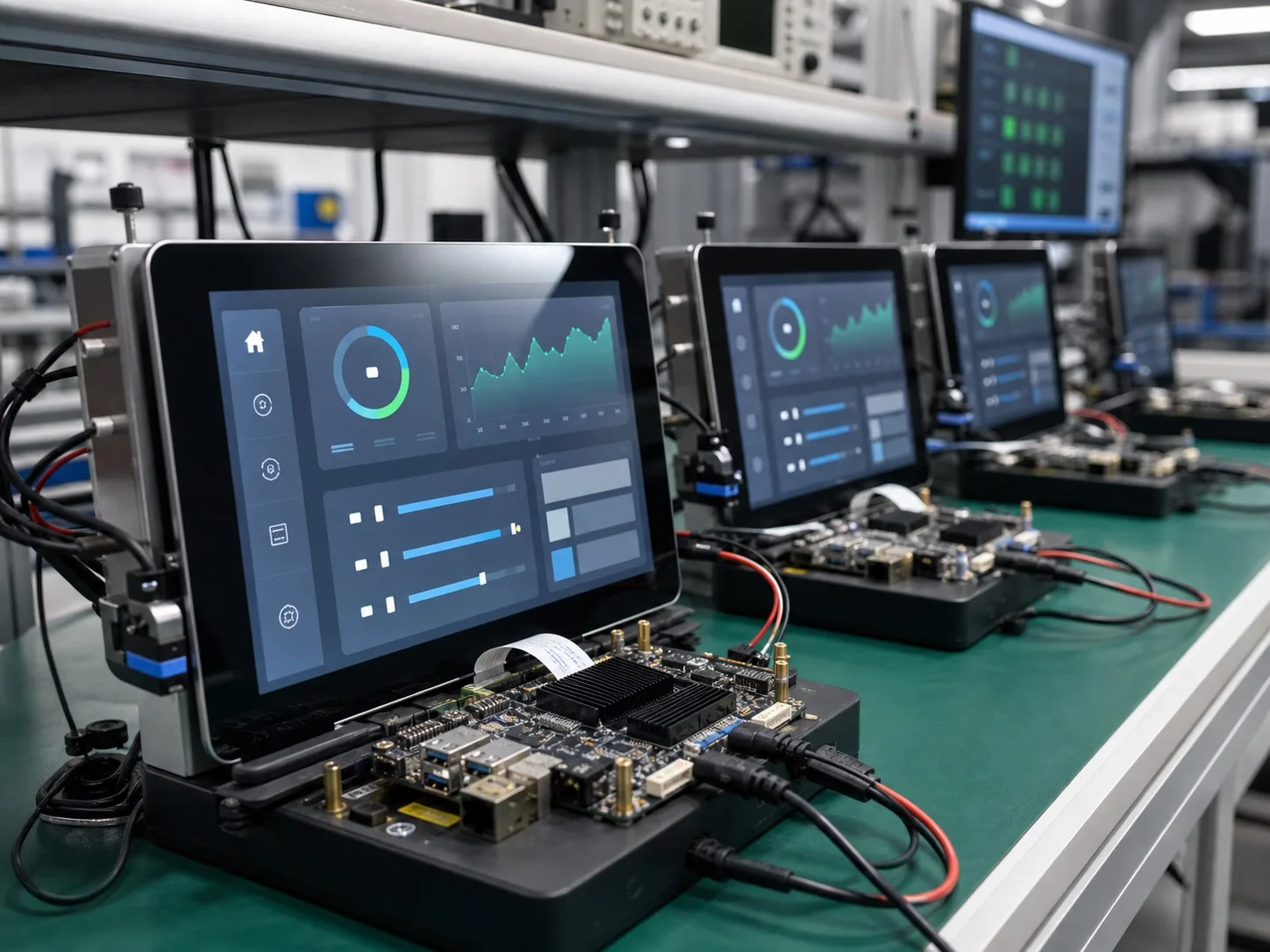
Bring hardware, BSP, and testing into one project path
A stable HMI product needs more than a processor board. The display timing, touch driver, boot behavior, peripheral interfaces, software image, thermal behavior, and production test plan need to work together. Avontek connects board selection, BSP adaptation, sample bring-up, functional testing, and production coordination.
HMI solution scope
An HMI project is not only a screen connected to a development board. The final product must combine display, touch, operating system, enclosure, connectors, software image, test method, and production planning. Avontek treats HMI as a product engineering problem rather than a single board selection task.
Where Avontek can help in an HMI project
Many HMI projects begin with a customer-provided industrial design, screen size, or equipment requirement. The board decision should follow the product structure: where the screen sits, how the cable exits, what operating system is needed, what interfaces connect to the equipment, and how the device will be tested in production.
Avontek can help customers move from this product requirement to a practical Android HMI board, Linux HMI board, or custom HMI mainboard direction.
- Select a suitable Rockchip or Allwinner platform for display, UI performance, I/O, cost, and lifecycle.
- Review display interface choices such as MIPI, LVDS, RGB, HDMI, or eDP.
- Adapt touch panel drivers, display timing, backlight control, and boot image behavior.
- Plan PCBA outline, mounting holes, connector placement, cable direction, and enclosure fit.
- Prepare sample bring-up, functional testing, production image checks, and batch follow-up.
Android HMI board or Linux HMI board
Android HMI is usually a good fit when the product needs a rich touchscreen UI, app-based interaction, multimedia, local settings pages, or a familiar commercial user interface. Linux HMI is often selected when the product is closer to equipment control, gateway services, data collection, or a dedicated embedded application.
The decision does not need to be made only by software preference. Avontek can compare display requirement, UI workload, boot time, maintenance model, peripheral driver needs, and long-term production plan before recommending a direction.
- Choose Android when UI richness, app workflow, multimedia, and touchscreen experience are the main requirements.
- Choose Linux when services, field interfaces, system stability, remote operation, or equipment integration are more important.
- Use a custom HMI mainboard when the enclosure, connector location, power input, or cost target cannot be met by a standard SBC.
Information that makes HMI discussion efficient
The more complete the early information is, the faster Avontek can evaluate the HMI SBC direction and avoid repeated board changes later.
- Screen size, resolution, brightness, display interface, touch panel model, and cover glass requirements.
- Operating system direction, UI workflow, boot behavior, software image requirements, and app environment.
- Required I/O such as Ethernet, USB, UART, RS232, RS485, GPIO, audio, camera, Wi-Fi, or Bluetooth.
- Mechanical drawings, enclosure files, connector openings, mounting hole positions, and cable direction.
- Target quantity, sample schedule, certification direction, production test expectations, and lifecycle requirement.
What Avontek supports
These are the practical engineering and delivery areas that usually decide whether a solution can move from prototype discussion to a product-ready board or complete device.
Display and touch integration
MIPI, LVDS, RGB, HDMI, eDP, capacitive touch, backlight control, cable direction, connector placement, and panel-specific driver work.
Android and Linux BSP
Android image adaptation, embedded Linux BSP, bootloader, kernel, device tree, display timing, touch driver, and production image preparation.
Custom HMI mainboard
PCBA outline, mounting holes, connector positions, component placement, I/O selection, power input, enclosure fit, and production-oriented BOM planning.
Production support
Sample bring-up, interface testing, display and touch validation, software image checks, PCBA production coordination, and delivery review.
HMI platform directions
Common HMI projects can start from Android-focused platforms such as PX30, RK3326, RK3288, RK3566, RK3576, RK3399, A33, and A64, or Linux-focused platforms such as RK3566 and RK3576 when the application requires embedded Linux services.
Typical applications
HMI project evaluation points
Before choosing the board platform, Avontek usually checks the following items with the customer so the HMI SBC direction fits the final product instead of only meeting a processor requirement.
- Screen size, resolution, brightness, and display interface
- Touch controller, cover glass, cable direction, and driver support
- Android UI workflow or Linux service requirement
- Ethernet, USB, serial, audio, camera, wireless, and GPIO needs
- Enclosure, PCBA outline, mounting holes, connector location, and production quantity
Typical HMI delivery path
- Confirm display, touch, OS, I/O, enclosure, and quantity requirements
- Select Rockchip or Allwinner SBC direction and review customization scope
- Prepare Android or Linux BSP adaptation, display timing, and touch driver work
- Build samples, verify boot, display, touch, I/O, and customer application environment
- Coordinate PCBA production, functional testing, software image check, and delivery review
HMI SBC Solutions questions
- Can Avontek develop a custom HMI SBC?
- Yes. Avontek can support custom HMI SBC and mainboard development around display interface, touch panel, PCBA outline, connector position, power input, Android or Linux BSP, driver integration, testing, and production requirements.
- Do HMI products usually use Android or Linux?
- Both are possible. Android is common for rich touchscreen UI and commercial terminals, while Linux is common for equipment interfaces, system services, gateway functions, and industrial control workflows.
- Which SoCs are suitable for HMI SBC projects?
- Common HMI directions include PX30, RK3326, RK3288, RK3566, RK3576, RK3399, A33, and A64 depending on display, UI performance, cost, I/O, and lifecycle requirements.
- What information is needed for an HMI board inquiry?
- Useful information includes screen size, resolution, display interface, touch panel, enclosure or mold files, operating system, I/O list, wireless needs, power input, quantity, and schedule.