
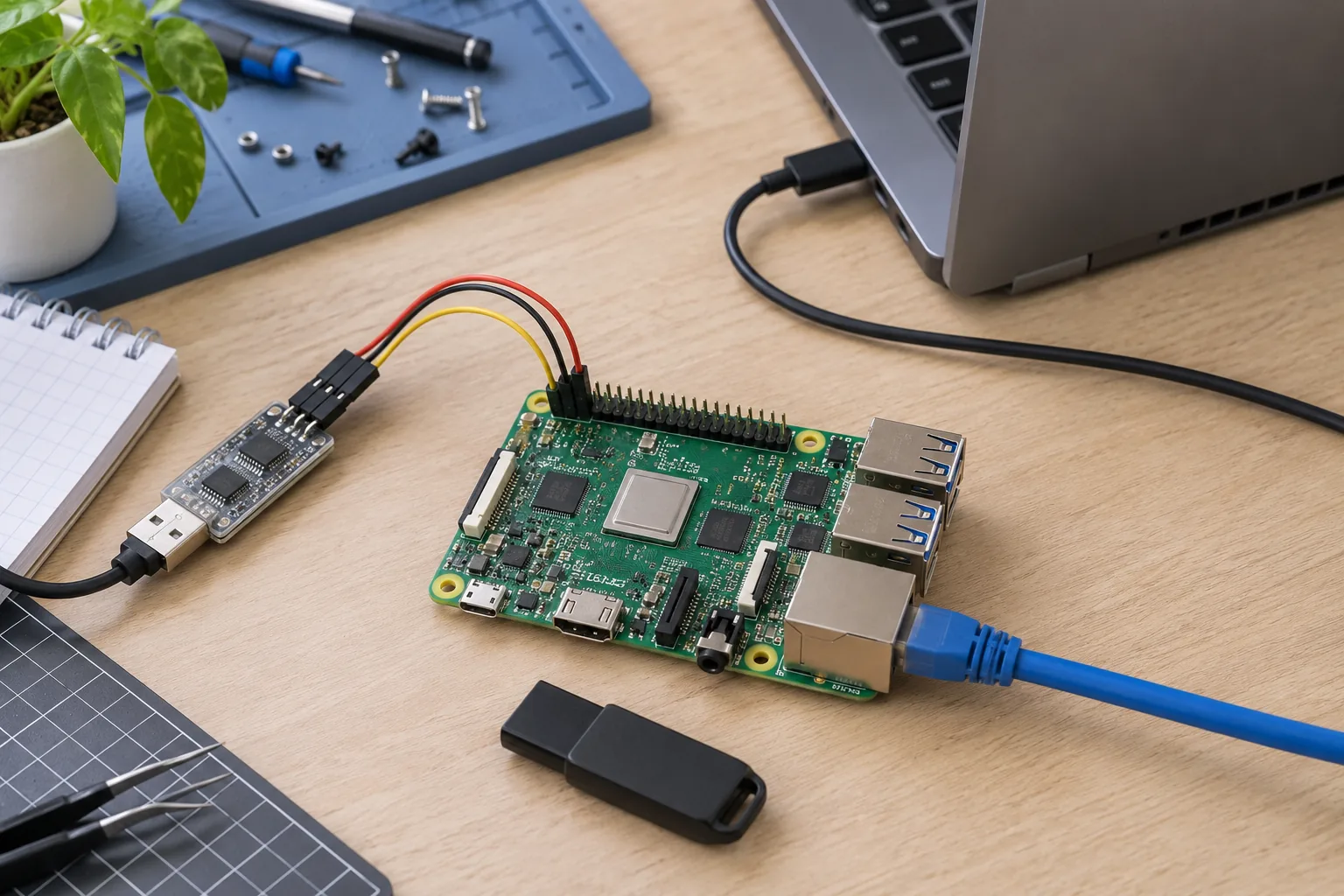
Choose Debian when its package ecosystem and your team’s operating practices fit the product. Consider Buildroot for a tightly defined appliance image with a relatively focused software stack. Consider Yocto when controlled customization across product variants justifies maintaining recipes, layers, and a larger build workflow. None of these choices removes the need to qualify the board support package.
That is the practical starting point for Yocto vs Debian vs Buildroot. The decision is less about which name appears most often in industrial marketing and more about who will rebuild, patch, test, and support the product after the first shipment.
Compare the same layer of the system
Debian is a distribution. The Yocto Project supplies an ecosystem for constructing tailored Linux systems, commonly using OpenEmbedded metadata and BitBake. Buildroot assembles components into an embedded system through its build configuration. Comparing them as three interchangeable desktop installers leads to misleading conclusions.
A supplier’s image may combine a vendor kernel and bootloader with Debian userspace. Another may provide a board-specific Buildroot configuration or Yocto layer. Ask exactly what is supplied and what can be rebuilt.
For a Linux SBC platform, require a component inventory: bootloader, kernel, device trees, firmware, libraries, services, and application dependencies. A logo on the download page does not establish ownership of those components.
Let BSP compatibility eliminate bad options early
Test the hardware functions that make the product useful: display acceleration, camera, NPU where required, network interfaces, audio, storage, and suspend. Confirm which kernel and userspace combinations the vendor supports.
Proprietary libraries can constrain the available userspace or toolchain. A theoretically attractive distribution is not a sensible choice if an essential media library only works with a different approved stack and nobody owns the porting work.
During embedded Linux BSP review, request sources, build instructions, licensing information, and the known limitations. Separate a bootable image from a maintained integration. One proves startup; the other explains how the project will keep working after changes.
Use Debian where package availability helps the team
Debian can shorten application integration when required libraries and tools are available as maintained packages. Teams familiar with its packaging and service management can use existing deployment practices instead of introducing a new build workflow immediately.
Production still needs discipline. Record the package set, repository sources, configuration, and vendor modifications. Build the approved image through a repeatable process rather than cloning an engineering SD card after months of manual installations.
Decide whether deployed units may update individual packages or receive complete validated images. Both are possible product strategies, but unattended changes to dependencies can produce a fleet with different behavior. A package manager is a mechanism, not a release policy.
Use Buildroot for a deliberate appliance image
Buildroot can suit a product with a known set of services and limited need for on-device software installation. A small configuration and controlled root filesystem can make the shipped composition easier to inspect, provided the team maintains its patches and dependencies.
The Buildroot user manual explains its image-building approach and why it does not operate as a conventional binary-package distribution for the target. Plan to rebuild and qualify the system instead of assuming an ordinary package upgrade workflow will appear automatically.
Keep board-specific configuration and application integration in a maintainable project structure. Archive sources and required downloads. A compact image becomes difficult to support if only one developer knows which local patch made the Ethernet interface work.
Use Yocto when its control repays the complexity
Yocto-based workflows can help organize hardware support, distribution policy, application recipes, and product-specific image composition. This is useful when several related devices share software but need different features or hardware integration.
That control has a staffing cost. Someone must understand layer compatibility, recipe changes, build failures, dependency choices, and release upgrades. Build infrastructure, caches, and source availability also need ownership.
Ask a supplier to demonstrate a clean rebuild and a small controlled modification. Adding an application package or changing a configuration should follow the documented workflow. A delivered layer is not enough if it depends on unrecorded files from an engineer’s workstation.
| Decision factor | Debian | Buildroot | Yocto-based workflow |
|---|---|---|---|
| Starting model | Distribution and packages | Configured system build | Layered custom-system build |
| Application convenience | Broad packaged ecosystem | Integrate selected packages | Recipes and controlled dependencies |
| Image composition | Must constrain and record it | Explicit selected components | Policy and image metadata |
| Target package updates | Familiar mechanism available | Not its normal target model | Possible when configured and maintained |
| Team investment | Distribution integration | Build configuration and patches | Build system and layer expertise |
| Product maintenance | Distribution plus vendor stack | Rebuild and qualify stack | Maintain layers, recipes, and branches |
These are planning tendencies, not guaranteed size, speed, or support rankings. A carefully configured Debian product can be more controlled than a poorly maintained custom image.
Choose the update architecture separately
A/B slots, signed packages, recovery, and shared-data compatibility are product decisions that can be integrated with different build choices. Do not select a build system simply because a demonstration includes an OTA button.
The Linux update architecture should specify the installation unit: application, package set, root filesystem, kernel, or complete system. Define which versions may coexist and what happens when a release changes persistent data.
Then demonstrate a successful update and a failed one on the selected board. Preserve image identity and recovery instructions. The team needs to know how to restore useful operation, not merely how to generate a new filesystem archive.
Assign security and licensing work by component
List who tracks vulnerabilities, supplies fixes, assesses exposure, and approves the release. Distribution security updates do not automatically cover a vendor kernel or separately delivered firmware. Custom builds do not become secure simply because they contain fewer packages.
Maintain an inventory and the required license notices and source-delivery process for the software actually shipped. Automated build reports can help collect evidence, but they do not replace review of proprietary components, local patches, and release obligations.
Ask what happens when the chosen branch reaches the end of its support arrangement. A product lifetime longer than the software maintenance plan creates work that somebody will eventually need to fund.
Run a short proof before committing the product
Use the same board, application workload, and required peripherals for the candidate systems. Measure boot to useful operation, memory and storage needs, installation effort, and recovery behavior. Do not compare a minimal command-line image with a fully populated graphical distribution and call the result a platform benchmark.
Include a rebuild exercise, one application change, and one representative dependency update. These reveal maintenance friction that a successful demo often hides. Record the time and expertise actually required without treating a single trial as a universal productivity claim.
For a custom Linux board, include the chosen software workflow in the delivery agreement. The useful purchase is a reproducible, supportable system with named responsibilities. The preferred build system is the one your team can keep delivering reliably over the product’s service life.
Frequently Asked Questions
Is Yocto an operating system like Debian?
No. The Yocto Project provides tools and metadata used to create tailored Linux systems. Debian is a Linux distribution with a package ecosystem. Buildroot is a build system commonly used to assemble compact embedded Linux images.
Does using Debian remove responsibility for the vendor kernel?
No. Distribution updates do not automatically maintain a separately supplied kernel, bootloader, binary drivers, or board firmware. Identify the owner and update path for each component.
Can Buildroot products receive field updates?
Yes, but the update mechanism must be integrated. Buildroot is oriented toward building a system image rather than managing the target as a general-purpose binary-package distribution. Plan signing, installation, recovery, and persistent data separately.