
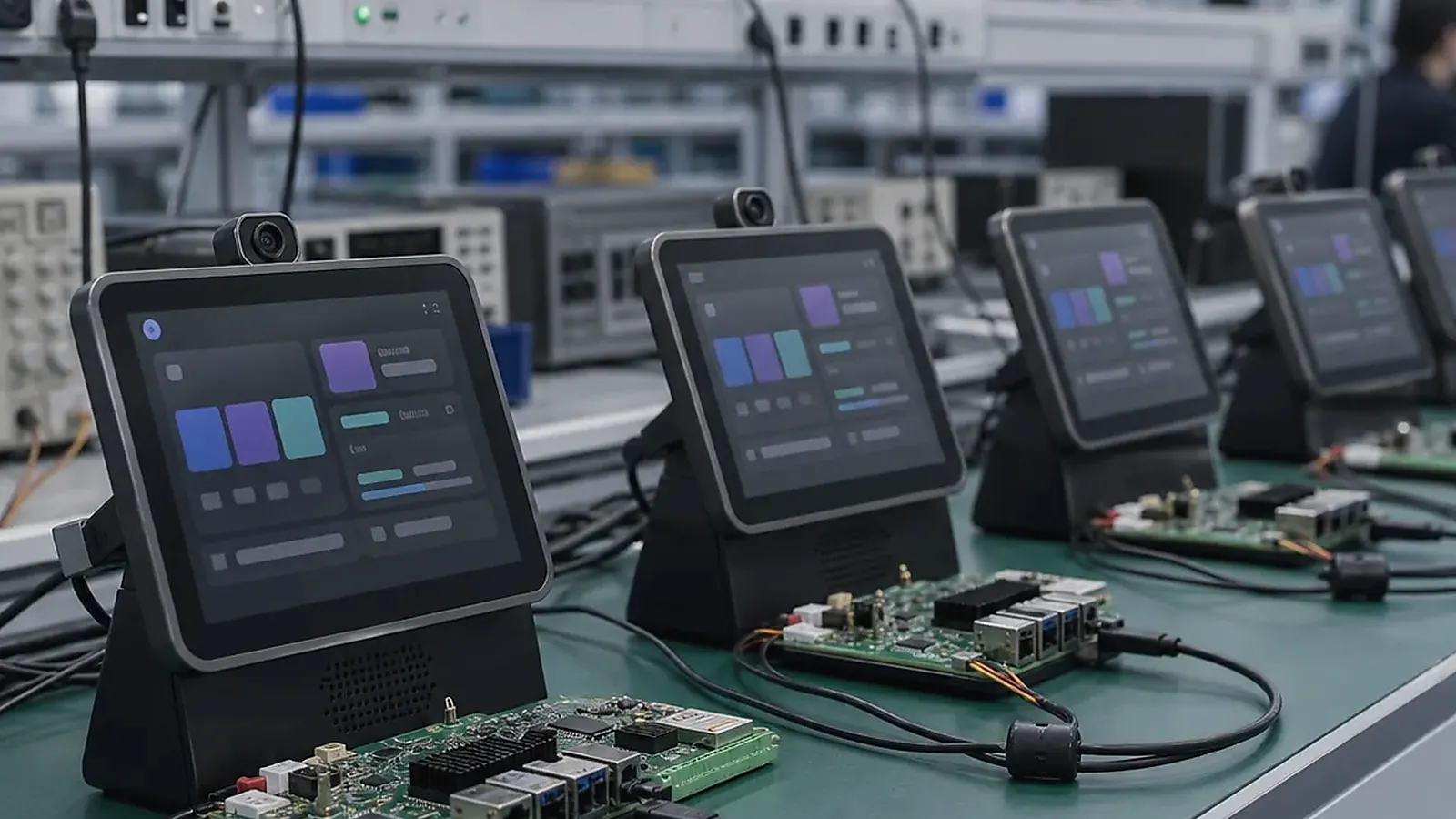
Choosing a smart terminal SBC starts with the product experience, not only the processor. A smart terminal may be a commercial checkout device, access terminal, kiosk, information display, self-service machine, room device, handheld terminal, or connected equipment interface. Each product combines screen, touch, wireless connection, peripherals, software workflow, enclosure, and production testing. The board must support all of those requirements together.
For Smart Terminal SBC Selection Guide for Commercial and Connected Devices, the right SBC is the one that survives the full transaction flow. Test boot, login, network reconnect, peripheral wake-up, data upload, error messages, and recovery after power loss before treating a sample board as a product platform.
For product teams evaluating a Smart Terminal SBC, the goal is to reduce integration risk. A board that works as a demo may still be wrong for production if the display cable is awkward, the wireless module is unstable, the camera driver is not ready, or the enclosure forces adapters.
Define the terminal type
Start by naming the terminal role. Is it customer-facing, operator-facing, wall-mounted, desktop, handheld, or built into equipment? Does it run one locked app or several applications? Does it need camera, scanner, printer, speaker, microphone, NFC, Ethernet, LTE, battery, or external USB devices?
If the terminal is mainly app-driven with a rich touchscreen UI, start from an Android SBC direction. If it is mainly a service device, gateway, or control terminal, compare Linux SBC options. If the enclosure, ports, and cable paths are fixed, plan Custom SBC work early.
Hardware selection checklist
| Requirement | What to confirm |
|---|---|
| Display | Size, resolution, interface, brightness, orientation |
| Touch | Controller, cover glass, multi-touch, wake behavior |
| Connectivity | Wi-Fi, Bluetooth, Ethernet, LTE, antenna location |
| Peripherals | Camera, scanner, printer, speaker, microphone, NFC |
| I/O | USB, UART, GPIO, keys, LEDs, sensors, service port |
| Power | Adapter, battery, sleep, restart after power loss |
| Mechanics | Board outline, mounting, connector direction, cable route |
| Production | Flashing, test fixture, labels, packaging, supply plan |
The checklist should be filled with real part numbers or interface types whenever possible. “Need camera” is not enough; the supplier needs sensor model, interface, resolution, preview requirement, and app behavior.
Android or Linux decision
Android is often suitable for smart terminals that need a polished interface, app ecosystem, language switching, media, customer interaction, and controlled launcher behavior. The official Android dedicated devices documentation is useful background for locked-down device concepts, but the final terminal depends on board-level image configuration.
Linux is often suitable when the terminal needs background services, protocol handling, stable boot, logs, Ethernet, serial interfaces, and field operation. Some terminals include both a UI and service logic, so the decision should be based on the heavier risk.
The operating system choice also affects maintenance. Android terminals may need app updates, launcher control, permission management, and recovery from app crashes. Linux terminals may need service logs, package updates, watchdog behavior, and network recovery. Ask how a field technician will identify software version, reset the unit, and restore a known-good image.
Platform and enclosure planning
Rockchip SBC platforms are often considered for richer Android UI, display products, camera, multimedia, and terminals that need more application headroom. A PX30 SBC direction can fit compact Android terminals when UI load, display resolution, and peripheral needs are controlled. Allwinner SBC platforms can fit cost-sensitive display terminals or compact connected devices when requirements are controlled.
Mechanical planning needs to happen before the enclosure is frozen. Connector direction, display cable length, antenna location, speaker cavity, microphone opening, camera position, and service access can all affect the final board decision.
Production testing
Smart terminal testing needs to cover display, touch, wireless, Ethernet, USB, camera, audio, scanner or printer where used, storage, app startup, power recovery, image version, and serial number. A production terminal also needs repeatable flashing and clear pass/fail records.
For related context, read mainboard architecture for connected terminals and hardware and factory readiness for Android terminals.
Pilot testing needs to use the final enclosure, final cables, final power supply, and the actual customer application. Test user flows, network reconnection, peripheral reconnect, repeated power cycling, and long-running operation. If the terminal will be deployed in shops, hotels, factories, or public spaces, test it under realistic lighting, touch frequency, wireless conditions, and service access.
Procurement needs to confirm display supply, wireless module lifecycle, memory and storage configuration, accessory availability, packaging, and follow-up batch support. A terminal project can be delayed by a small part substitution if that change affects drivers or production testing.
Security and field service
Smart terminals often sit in public or semi-public places, so basic security and service planning should not be skipped. Decide whether users can access Android settings, USB debug, local files, Wi-Fi settings, or administrator menus. Define how the device is reset, how logs are collected, how credentials are protected, and how the terminal returns to the main app after an error.
Field service should be simple enough for non-engineers. A technician should be able to check software version, network status, serial number, and basic device health. If the terminal needs cloud login or gateway pairing, document the recovery process before deployment.
Final recommendation
Choose a smart terminal SBC by mapping the full product: UI, operating system, display, peripherals, wireless, power, enclosure, software image, and production test. The best board is the one that supports the terminal as a repeatable product, not only as a working prototype.
Frequently Asked Questions
What details are useful before we talk about a Smart Terminal build?
Send the use case, OS preference, display or I/O list, enclosure limits, power input, wireless needs, target quantity, and timing. With that context, Avontek can suggest a Smart Terminal hardware path that fits the real device instead of only comparing board specifications.
When is a custom SBC worth considering for a Smart Terminal product?
A custom SBC is worth reviewing when the device needs a fixed PCBA outline, connector position, display interface, power input, wireless module, mounting method, or cost target that a catalog board cannot meet cleanly.
Can Avontek stay involved after Smart Terminal samples are built?
Yes. Avontek can help with Smart Terminal board choice, Android or Linux BSP discussion, peripheral checks, sample bring-up, test fixtures, image review, and factory coordination.