
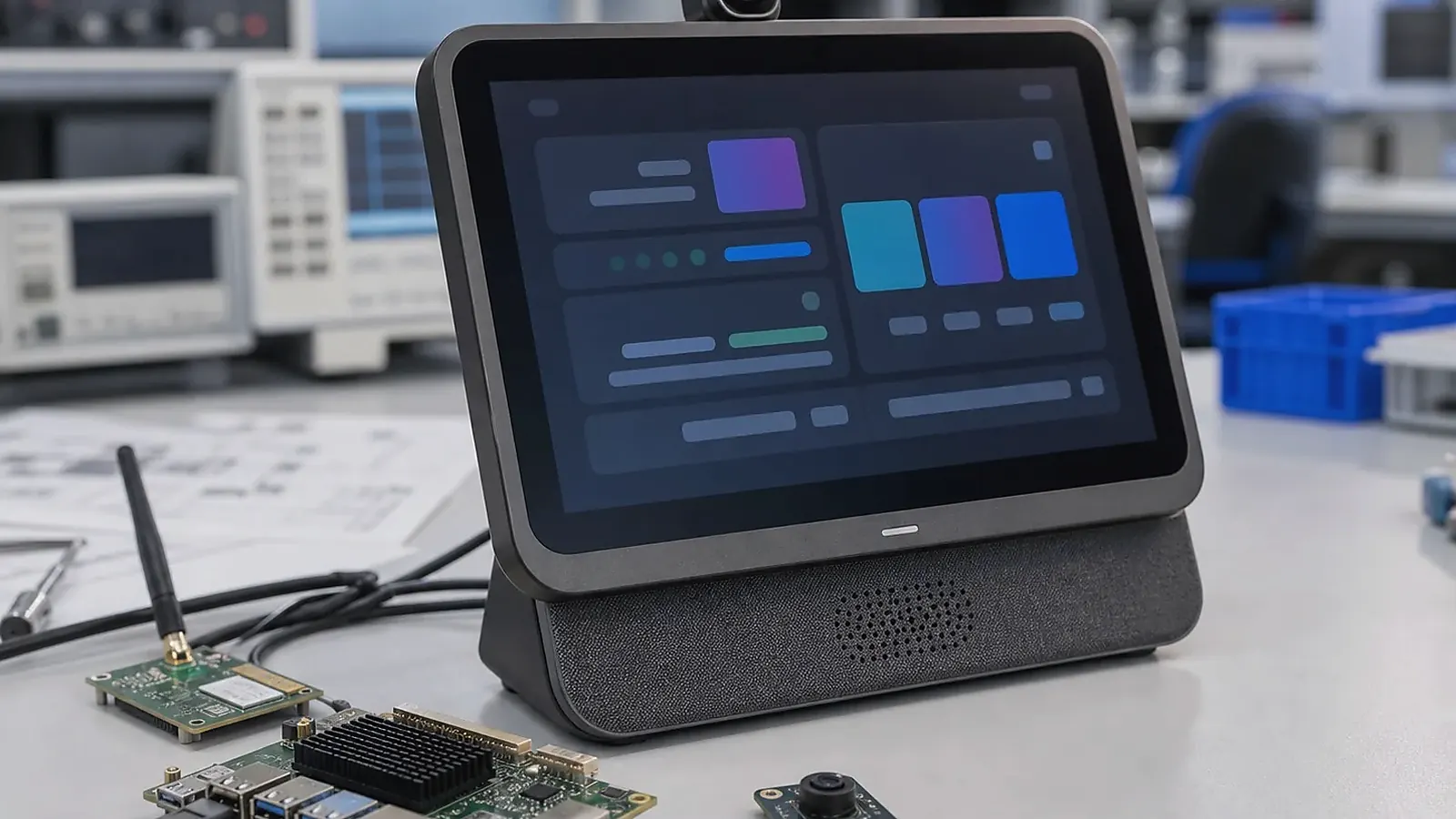
Smart terminal board development sits between consumer-style user experience and embedded product discipline. A terminal may need a display, touch panel, camera, scanner, printer, NFC, audio, wireless, Ethernet, USB, battery or backup power, application software, and a production-ready enclosure. The board has to support the workflow, but it also has to be easy to assemble, test, and supply.
For Smart Terminal Board Development for Connected Devices, the right SBC is the one that survives the full transaction flow. Test boot, login, network reconnect, peripheral wake-up, data upload, error messages, and recovery after power loss before treating a sample board as a product platform.
The mistake many teams make is treating a smart terminal as only a screen with Android. In production, the peripheral list, enclosure, connector direction, software image, factory test method, and support model matter just as much as UI performance. A good terminal board decision should satisfy engineering, product management, and procurement at the same time.
Start from the terminal workflow
Describe what the user does with the device. Does the terminal scan codes, print receipts, read NFC cards, take photos, play audio, collect signatures, connect to a cloud service, or control nearby equipment? Is it used by staff, customers, technicians, or installers? Is it installed on a counter, mounted on a wall, carried by hand, or built into another product?
If the terminal needs a rich UI, app-style interaction, multimedia, language support, or customer-facing workflow, an Android SBC is often the right starting point. If the product behaves more like a controller, gateway, or unattended service device, Linux may be more suitable. For many commercial terminals, Android wins because the application layer is the product experience.
The Smart Terminal solution page can help organize the product direction before selecting a board. If the device has a fixed enclosure or unusual peripheral layout, involve hardware planning early instead of forcing a standard board into the housing later.
Display, touch, and application behavior
Display and touch decisions should be made before the board is locked. Confirm screen size, resolution, brightness, orientation, display interface, touch controller, cover glass, cable direction, and boot logo behavior. If the terminal is customer-facing, the first impression matters: boot time, app startup, touch latency, screen brightness, and UI smoothness need testing on real samples.
For Android terminals, ask about Android version, app auto-start, permissions, navigation restrictions, camera and USB access, screen timeout, Wi-Fi behavior, Bluetooth, audio routing, and OTA policy. The official Android developer guides are useful background, but a production terminal still depends on board-level BSP and system image configuration.
Peripheral integration
Smart terminals often depend on peripherals. Camera, barcode scanner, printer, NFC, speaker, microphone, USB devices, Ethernet, Wi-Fi, Bluetooth, keys, LEDs, and storage should be listed with their exact purpose. “Need camera” should say whether it is for QR scanning, document capture, video call, or identity verification. “Need USB” should say whether it is internal, user-facing, service-only, or connected to a fixed module.
| Peripheral area | What to confirm |
|---|---|
| Camera/scanner | Sensor, interface, lighting, focus distance, permissions |
| Printer/NFC | USB/UART/I2C/SPI path, driver, power draw, test method |
| Audio | Speaker, microphone, codec, enclosure opening, volume |
| Network | Wi-Fi, Bluetooth, Ethernet, antenna position, roaming |
| Storage | eMMC size, logs, database, app data, recovery |
| Service | Debug port, firmware flashing, reset, labels, serial number |
Peripheral changes can affect Android BSP or Linux drivers. Procurement should avoid swapping modules after validation unless the change is approved and retested.
Standard board or custom terminal board
Some projects can start from Rockchip SBC evaluation because Rockchip platforms often fit Android UI, multimedia, camera, and terminal workloads. Other projects may require a Custom SBC to match enclosure, connector positions, antenna placement, peripheral layout, battery space, or cost target.
A standard board is useful for app development and early testing. A custom board becomes more practical when the product quantity is meaningful, the enclosure is fixed, or every unit would otherwise need adapter cables and manual assembly. For a deeper selection checklist, read platform selection for commercial smart terminals and peripheral integration for scanners, printers, and NFC.
Production and support planning
Production testing needs to verify display, touch, wireless, camera, scanner, printer, NFC, audio, USB, storage, buttons, LEDs, charging or power input if used, app startup, image version, and serial number. If the terminal includes customer branding, packaging and labels should be checked in the same pilot run.
Support planning needs to cover firmware version control, issue reproduction, log collection, factory reset behavior, and replacement policy. A terminal used by customers or staff should recover cleanly after power loss or app crashes. The test plan needs to cover these events before shipment.
Sample approval checklist
Before approving a smart terminal board, test the real application on the intended display and with the expected peripherals. A terminal that boots Android is not enough. Check scanner timing, printer power draw, NFC read behavior, camera focus, audio volume, USB stability, Wi-Fi reconnection, Bluetooth pairing, storage capacity, and app recovery after power loss.
The enclosure needs to be part of the test. Camera windows, speaker openings, antenna position, cable routing, heat, buttons, and service access all affect the final user experience. If the product is handheld or counter-mounted, also consider drop risk, connector strain, and how operators will clean or handle the unit.
Procurement needs to confirm which peripheral modules are fixed and which have approved alternatives. Barcode scanners, cameras, NFC modules, Wi-Fi modules, eMMC, and printers can all affect software validation. Changing them after the app and BSP are tested can delay production.
RFQ details for terminal projects
A useful terminal RFQ needs to cover product scenario, screen size, operating system, application workflow, peripheral list, wireless requirements, power input or battery needs, enclosure constraints, target quantity, and sample schedule. If the customer has an APK, scanner module, printer mechanism, or existing product sample, share those details early.
This lets the supplier judge whether a standard SBC, Rockchip platform, Android board, or custom terminal board is the right path.
Common mistakes to avoid
The first mistake is validating the main screen but not the peripherals. In many smart terminals, scanner timing, printer current, NFC read distance, camera focus, or USB behavior becomes the real delay. The second mistake is waiting too long to test the enclosure. Antenna location, speaker openings, camera window position, and button feel can all change the product experience.
The third mistake is treating production as only assembly. Terminals need image flashing, app preload, peripheral tests, labels, packaging, and sometimes customer account or configuration steps. If these are not planned, the first batch may depend on manual work that is hard to repeat.
For commercial devices, also think about service. A support team should know how to read logs, identify firmware version, reset the unit, and replace accessories without guessing.
One more practical check is configuration time. If each terminal needs Wi-Fi setup, account binding, room or store ID, printer pairing, or language selection, decide whether this happens in the factory or on site. A process that is acceptable for ten samples can become painful for hundreds of units.
Final recommendation
Develop a smart terminal board from the workflow outward: UI, peripherals, wireless, enclosure, OS image, production test, and supply. Choose a standard board when it fits cleanly and helps software move fast. Move to a custom board when the enclosure, peripherals, assembly process, or cost target requires a product-specific design.
Frequently Asked Questions
What details are useful before we talk about a Smart Terminal build?
Send the use case, OS preference, display or I/O list, enclosure limits, power input, wireless needs, target quantity, and timing. With that context, Avontek can suggest a Smart Terminal hardware path that fits the real device instead of only comparing board specifications.
When is a custom SBC worth considering for a Smart Terminal product?
A custom SBC is worth reviewing when the device needs a fixed PCBA outline, connector position, display interface, power input, wireless module, mounting method, or cost target that a catalog board cannot meet cleanly.
Can Avontek stay involved after Smart Terminal samples are built?
Yes. Avontek can help with Smart Terminal board choice, Android or Linux BSP discussion, peripheral checks, sample bring-up, test fixtures, image review, and factory coordination.