
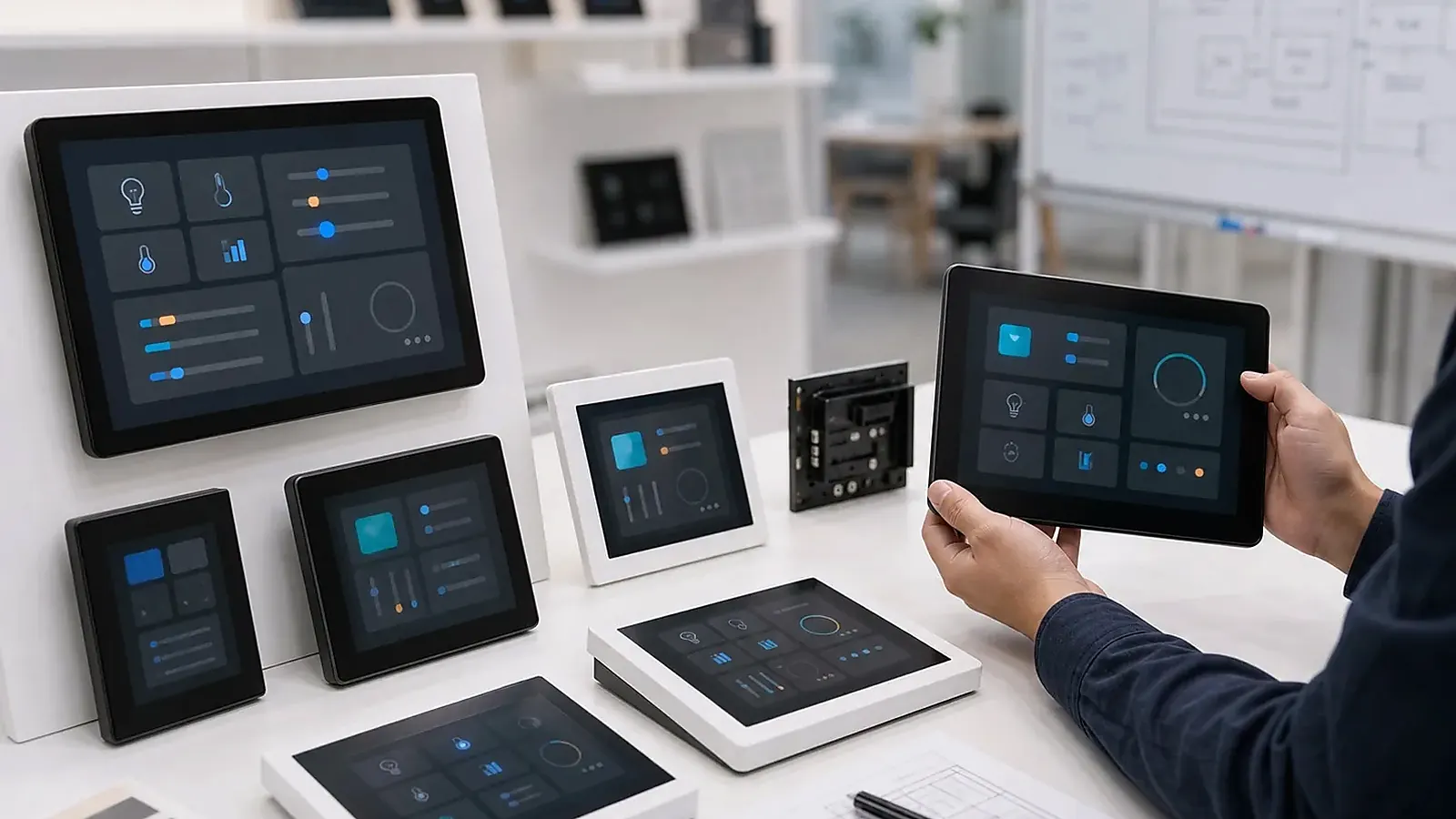
Smart control panel projects should start from the room, not from the screen size. A wall-mounted panel has to look right, install cleanly, connect reliably, run the intended software, and remain supportable after deployment. The user may only see a simple touch interface, but the project team has to manage Android image configuration, wireless behavior, gateway connection, branding, packaging, and production testing.
A useful review for Smart Control Panel Project Planning Checklist is to walk through the first ten minutes after installation. The panel should power up cleanly, join the intended network, open the right app or UI, keep touch response stable, and expose only the settings that the installer or operator is allowed to change.
A complete Smart Control Panels product can shorten development when the project needs a finished wall device. But the model should still be selected with discipline. The wrong panel size, mounting depth, power plan, or software scope can create problems during hotel, apartment, villa, office, or building-control deployment.
Define the installation environment
Start by describing where the panel will be installed. A hotel room, apartment entrance, meeting room, villa hallway, office control point, and building service area have different expectations. The panel may need to control lighting, HVAC, curtains, scenes, security, intercom, music, service requests, or room status. It may connect to a gateway, run a customer app, or talk to local devices directly.
Useful early information includes wall box type, installation height, power source, cable entry, network plan, Wi-Fi signal condition, room lighting, target screen size, speaker or microphone needs, and whether Ethernet, RS485, relay, USB, or other local I/O is required. If the project has interior design constraints, send photos or drawings. A panel that looks good in a catalog can feel too large, too bright, or poorly positioned in a real room.
Screen size and user workflow
Screen size should follow the UI workflow. A smaller panel can be excellent for basic scenes, HVAC, lighting, and quick room modes. A larger screen is more useful for dashboards, multi-room control, camera preview, media, hotel services, or complex navigation. Bigger is not automatically better; it should earn its place on the wall.
Before ordering many samples, make a simple mock-up. Print the screen size on paper, place it at the expected wall height, and check it from the user’s normal standing position. This low-tech test often catches size and layout problems early. If the UI already exists, run it on the target resolution and check whether text, icons, touch targets, and scene controls feel natural.
Android software behavior
Many smart control panels use Android because it supports rich touch UI, language switching, media, app workflows, and familiar development. But a control panel should usually behave like a dedicated device, not an open tablet. Decide whether users can access system settings, whether navigation keys are hidden, whether the app starts automatically, how Wi-Fi is configured, how sleep and wake behave, and how updates are delivered.
The official Android dedicated devices documentation is useful background for locked-down deployments. In a real panel project, the supplier still needs to configure the Android image for the intended workflow. If the customer has an APK, test it early for permissions, rotation, boot-to-app time, network reconnection, audio, and recovery after power loss.
Connectivity and system architecture
Some panels are mostly user interfaces for a larger gateway. Others control devices directly through RS485, relay, Ethernet, Wi-Fi, Bluetooth, or customer protocols. This difference affects model selection, wiring, software image, installation labor, and support. A simple system diagram is more valuable than a long feature list.
For hotel and apartment projects, decide what must still work when the internet is unavailable. Basic room control may need to remain local even if cloud services are offline. If Wi-Fi coverage is uncertain, Ethernet may be worth the extra installation work. If the panel is installed in a metal wall box or behind thick walls, antenna position and network testing needs to be part of sample evaluation.
Branding, packaging, and production
OEM projects often need logo, startup screen, UI style, model label, packaging, manual, and sometimes enclosure color changes. These requirements should be discussed before production. A small branding change may be simple, but a custom enclosure color, special label, or packaging requirement can affect lead time and MOQ.
Production testing should cover display, touch, Wi-Fi, Bluetooth, Ethernet if used, speaker, microphone, keys, relays or RS485 if present, Android image version, app startup, sleep/wake, and packaging inspection. For related model selection, read screen size and model fit for control panels and OEM branding and factory checks for control panels.
Complete panel or board development
A complete panel is usually faster when the customer wants a wall-mounted product and the existing enclosure, display, and hardware are suitable. If the project requires a unique enclosure, special display, unusual connector layout, different wireless module, or strict cost target, the better path may be an Android SBC or Custom SBC project instead.
The decision should be made before the UI, housing, and installation plan are locked. If a complete panel meets the requirement, it can save time. If it only almost fits, the project may spend more time working around limitations than it would spend on a product-specific design.
Sample room validation
A smart panel needs testing in a realistic room before volume deployment. Mount it at the expected height, use the planned power wiring, connect it to the expected Wi-Fi or Ethernet network, and let non-engineering users try the main scenes. Check whether the screen is readable under room lighting, whether touch targets feel comfortable, and whether the panel looks proportional beside switches, furniture, or hotel room controls.
Software needs testing in the same way. Reboot the panel, check boot-to-app time, disconnect the network, recover Wi-Fi, test sleep and wake, and confirm that users cannot leave the intended interface if the product is meant to be locked down. If the panel controls local devices, confirm whether basic room control still works when internet access is unavailable.
For deployment projects, ask how units will be configured on site. Wi-Fi credentials, room numbers, language settings, app account binding, and firmware versions can become a large installation burden if they are handled manually without a plan.
Procurement checklist
Before ordering, confirm model, screen size, memory and storage, color, mounting standard, power input, wireless configuration, software image, branding, packaging, sample approval process, and lead time. If the panel is for hotel or apartment projects, confirm whether follow-up batches can match the same appearance and image behavior.
Common mistakes to avoid
The first mistake is choosing a screen size from a catalog without checking the wall. The second is treating Android software as a small detail. In real projects, app auto-start, hidden settings, permissions, recovery, and update behavior decide whether the panel feels like a dedicated device. The third mistake is ignoring installation work. If every unit needs manual configuration, unclear wiring, or special handling, deployment cost can grow quickly.
A good project plan covers the room, the software, the network, the installer, and the user, not only the device specification.
Final recommendation
Plan a smart control panel by room workflow, wall installation, screen size, Android software behavior, connectivity, branding, and production testing. The best panel is not the biggest model. It is the one that fits the room, supports the system architecture, and can be deployed consistently across real installation sites.
Frequently Asked Questions
What details are useful before we talk about a Smart Control Panels build?
Send the use case, OS preference, display or I/O list, enclosure limits, power input, wireless needs, target quantity, and timing. With that context, Avontek can suggest a Smart Control Panels hardware path that fits the real device instead of only comparing board specifications.
When is a custom SBC worth considering for a Smart Control Panels product?
A custom SBC is worth reviewing when the device needs a fixed PCBA outline, connector position, display interface, power input, wireless module, mounting method, or cost target that a catalog board cannot meet cleanly.
Can Avontek stay involved after Smart Control Panels samples are built?
Yes. Avontek can help with Smart Control Panels board choice, Android or Linux BSP discussion, peripheral checks, sample bring-up, test fixtures, image review, and factory coordination.