
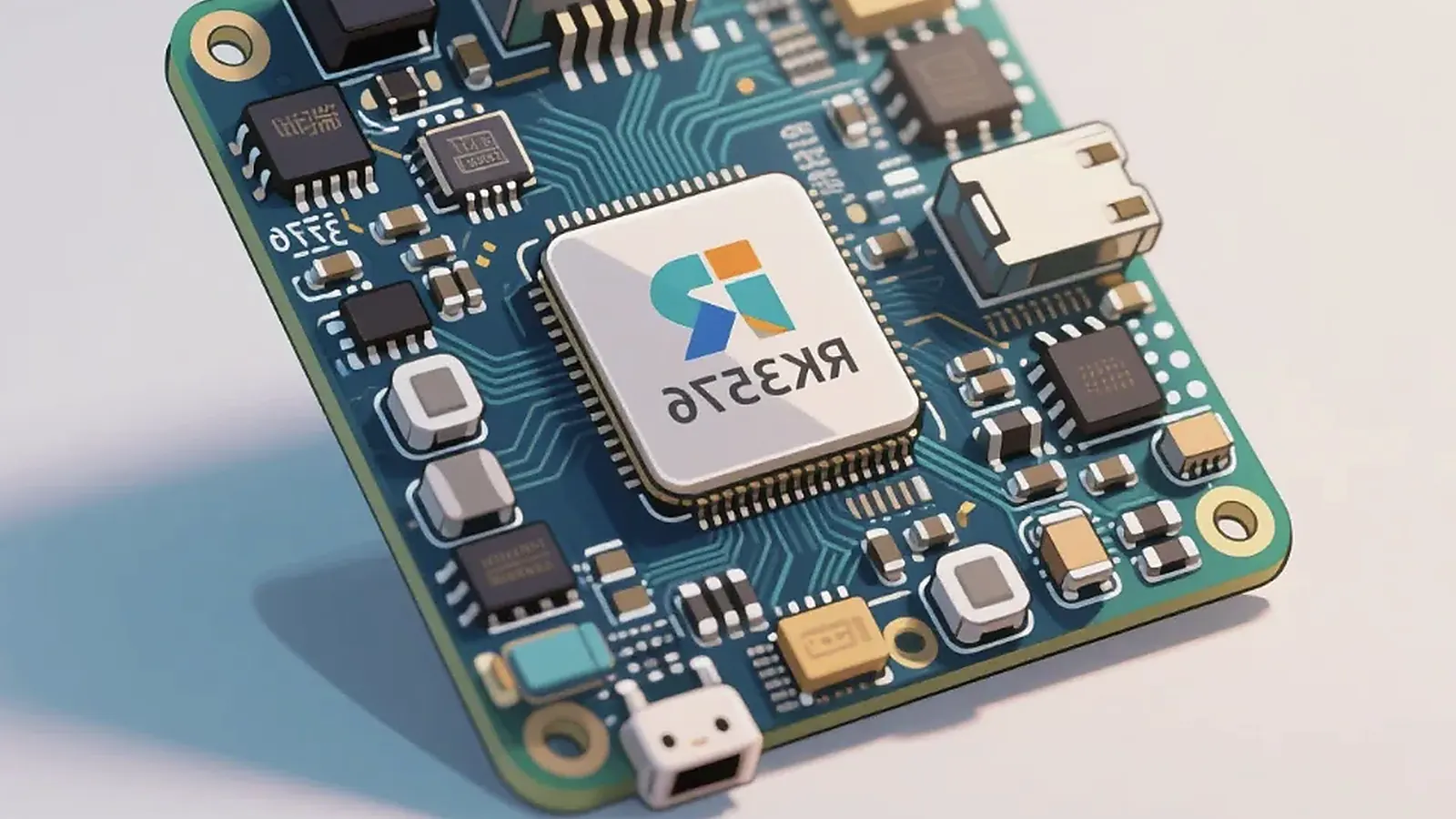
Rockchip Android SBC platforms are common in smart terminals, HMI devices, control panels, commercial displays, kiosks, and custom embedded products because they offer a practical mix of Android support, multimedia capability, display options, and board ecosystem maturity. The right Rockchip choice still depends on product requirements. A board that is suitable for a compact terminal may not be the best fit for a high-resolution HMI, camera device, or long-lifecycle industrial display.
Smart terminal planning should begin with the peripherals that users touch every day. For Rockchip Android SBC Selection Guide for Smart Terminals and HMI Devices, camera angle, scanner trigger, printer path, NFC area, speaker volume, microphone location, USB strain relief, battery behavior, and service access can change the board and enclosure decision.
This guide focuses on how product teams should compare Rockchip Android SBC options before starting mechanical design, BSP work, or procurement. The goal is to reduce redesign risk and choose a platform that can move from sample testing to production.
Start with application load, not CPU ranking
It is tempting to rank processors by core count or benchmark score. For embedded Android products, that is too narrow. A smart terminal may need smooth UI, camera preview, audio, wireless, barcode scanner, USB devices, and background services. An HMI may need a stable display, touch response, Ethernet, serial communication, and predictable boot into one app. A control panel may prioritize enclosure fit, standby behavior, and wall installation.
Begin by writing the product load in plain terms: screen resolution, frame rate expectation, number of apps, camera use, media playback, network activity, background services, and peripheral count. Then compare Rockchip SBC platforms against those requirements.
Common Rockchip Android directions
Different Rockchip SoCs can fit different product classes. The exact board design and BSP status matter, but the following table is a useful starting point.
| Platform direction | Typical fit |
|---|---|
| PX30 SBC | Compact Android terminals, moderate UI, cost-sensitive display products |
| RK3326 | Portable terminals, display devices, handheld or compact Android products |
| RK3288 | Mature Android HMI, kiosk, and terminal products with stable ecosystem needs |
| RK3566 | Mid-range Android HMI, smart terminals, control panels, and display products |
| RK3576 | Higher-performance display products, edge AI terminals, richer UI applications |
| RK3399 | Higher-end Android products needing stronger application and multimedia performance |
This table should not replace a project review. Availability, Android version, display interface, thermal design, and software support can change the better choice.
When the customer already has an APK, test it before arguing about the SoC. Boot-to-app time, camera permission, USB access, WebView load, and Wi-Fi reconnect behavior will show whether the platform has enough margin for the real product.
Why RK3566 is often a practical middle path
For many current Android HMI and smart terminal projects, RK3566 is a common discussion point because it balances performance, cost, multimedia, and interface flexibility. It can suit touch display devices, control panels, and terminal products that need a stronger platform than older low-cost options but do not require the highest-end processor.
When evaluating an RK3566 SBC, confirm the exact Android version, display interfaces, Ethernet, USB, audio, camera, wireless module, storage, and available board variants. Also ask which displays and touch panels are already tested. Proven display integration can save more time than a small processor specification difference.
Display and touch should drive the shortlist
Smart terminals and HMI devices are visible products. The screen size, resolution, brightness, orientation, touch controller, and cover glass should be known before choosing the board. If the product requires MIPI, LVDS, RGB, HDMI, or eDP, confirm that the specific board and Android BSP can support it.
Touch integration needs to cover rotation, coordinate mapping, wake behavior, multi-touch, and production consistency. If the touch controller changes during purchasing, the Android image may need adjustment. This is one reason engineering and procurement should review the display supply chain together.
BSP questions to ask before buying samples
A Rockchip Android board supplier should be able to answer practical BSP questions:
- Which Android versions are supported for this board?
- Which display and touch combinations are already tested?
- Are Wi-Fi, Bluetooth, Ethernet, USB, camera, audio, UART, GPIO, and storage supported?
- Can the image boot directly into the customer application?
- How are boot logo, permissions, navigation bar, sleep behavior, and updates handled?
- What is included in paid customization versus standard support?
The official Android platform documentation gives useful context on Android system architecture, but real embedded products require the board supplier’s BSP, drivers, and image delivery process.
Smart terminal requirements
An Android smart terminal may include display, touch, camera, speaker, microphone, NFC, scanner, printer, USB peripherals, Wi-Fi, Bluetooth, Ethernet, LTE module, battery, or custom keys. The board should be checked against the full terminal interface list. If the terminal enclosure is already designed, connector position and cable route become as important as electrical support.
For a broader terminal planning article, read mainboard architecture for connected terminals. If Android is fixed as the operating system, the shortlist should focus on tested peripherals, app startup, and production image control.
HMI requirements
An Android HMI may care less about removable peripherals and more about display stability, touch noise, Ethernet, serial communication, long operating hours, and controlled user access. In an HMI project, confirm restart after power loss, app recovery, watchdog behavior, and whether users can exit the intended application flow.
If the product is an industrial or equipment interface, compare the HMI solution direction and consider whether Linux or Android is better for the control layer. Android is strong when the UI and app workflow are central; Linux may fit better when background services and field interfaces dominate.
When to move from standard SBC to custom board
A standard Rockchip Android SBC is useful for validation and some production products. A Custom SBC becomes more attractive when the final product needs a specific PCBA outline, mounting holes, connector direction, antenna position, power input, display connector, or cost target. Customization can also remove unused interfaces and improve assembly.
The important point is timing. If enclosure design starts before board constraints are known, the team may end up redesigning either the housing or the PCB. For smart terminals and HMI devices, mechanical, electrical, and Android BSP planning need to happen together.
Practical conclusion
Choose a Rockchip Android SBC by product fit: UI load, display, touch, peripherals, BSP readiness, enclosure, testing, and supply. Use processor comparison to narrow the field, then use real integration questions to make the decision. For most buyers, the strongest supplier is not only the one that ships a board, but the one that can explain what is already proven, what requires development, and how the product will be tested before shipment.
Frequently Asked Questions
What details are useful before we talk about an Android SBC build?
Send the use case, OS preference, display or I/O list, enclosure limits, power input, wireless needs, target quantity, and timing. With that context, Avontek can suggest a Android SBC hardware path that fits the real device instead of only comparing board specifications.
When is a custom SBC worth considering for an Android SBC product?
A custom SBC is worth reviewing when the device needs a fixed PCBA outline, connector position, display interface, power input, wireless module, mounting method, or cost target that a catalog board cannot meet cleanly.
Can Avontek stay involved after Android SBC samples are built?
Yes. Avontek can help with Android SBC board choice, Android or Linux BSP discussion, peripheral checks, sample bring-up, test fixtures, image review, and factory coordination.