
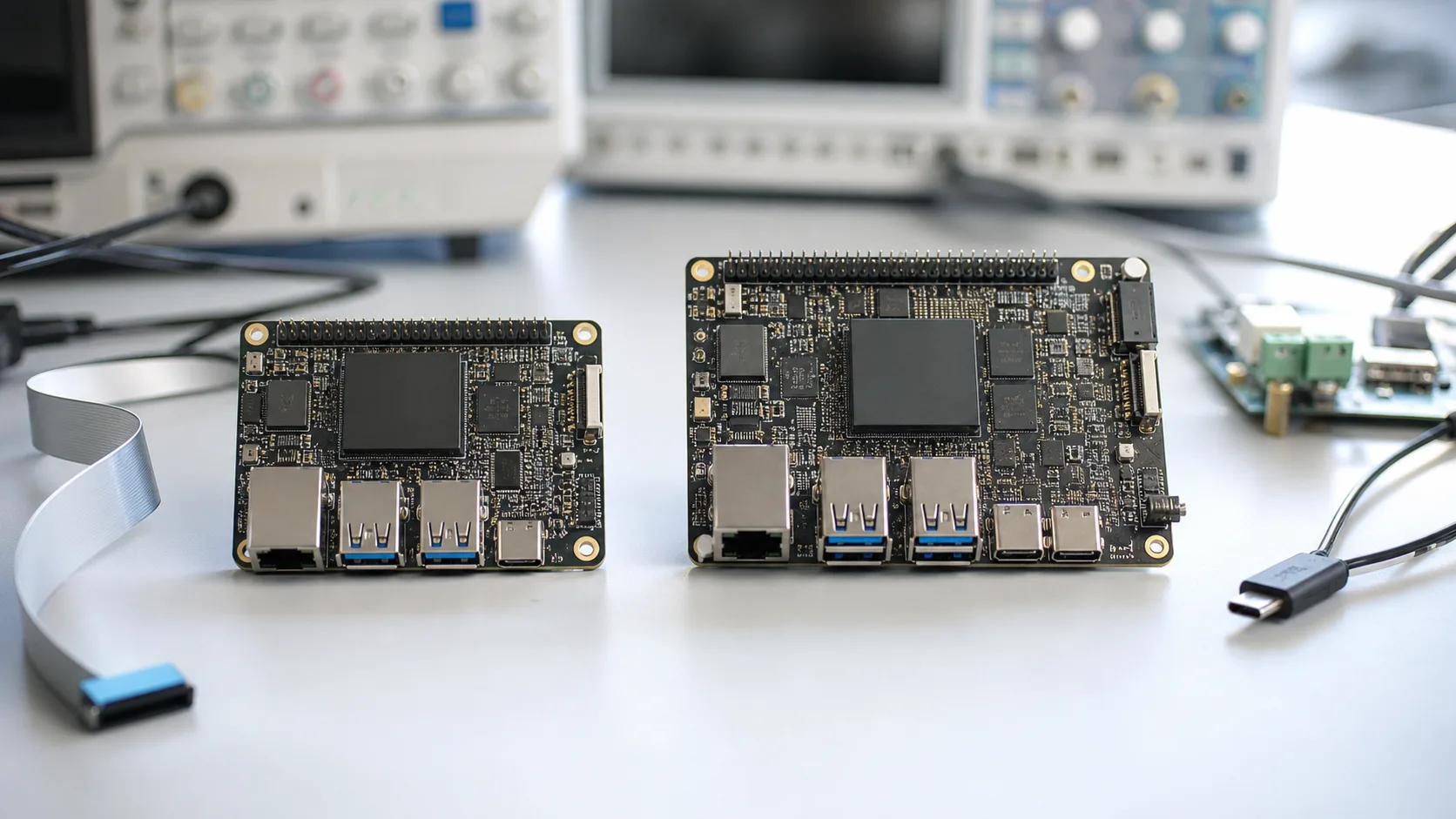
RK3566 and RK3576 often appear in the same early discussion when a team is planning an Android HMI, smart terminal, kiosk, gateway panel, or connected commercial device. Both belong to Rockchip platform planning, but they should not be treated as interchangeable. The right choice depends on UI workload, display requirements, peripheral list, software maturity, cost target, enclosure, heat, and how long the product is expected to stay in production.
The practical question is not “which SoC is better?” The better question is “which platform reduces project risk for this specific product?” A mature product with a defined screen and moderate application workload may not need the newest processor. A new terminal with a richer UI, camera, local AI direction, or longer roadmap may need more headroom.
Start from the product workload
For HMI and terminal products, workload is usually more useful than a raw specification comparison. An operator panel that displays status, buttons, charts, and settings is different from a smart terminal running camera preview, video playback, cloud sync, peripheral services, and a heavy Android app.
| Product requirement | RK3566 direction | RK3576 direction |
|---|---|---|
| Basic to mid-range Android HMI | Often suitable | May be more than needed |
| Richer UI and future app growth | Check carefully | Worth reviewing |
| Camera or AI direction | Limited project-dependent review | Stronger candidate |
| Cost-sensitive product | Often easier to justify | Needs cost review |
| New long-life design | Still viable when support fits | Often stronger roadmap candidate |
This table is not a final technical decision. It is a starting filter. Final selection should be confirmed against the selected Rockchip SBC board, Android BSP, display interface, thermal design, memory, storage, and supply plan.
Where RK3566 still fits well
RK3566 remains a useful direction for many Android and Linux embedded products. It is commonly evaluated for HMI devices, smart terminals, IoT gateways, industrial interfaces, and display products that need balanced performance rather than maximum headroom. For teams that want a practical mid-range Rockchip platform, RK3566 SBC can still be a sensible starting point.
The main advantage is predictability. If the supplier already has a validated board, known display support, tested Android image, and production experience, RK3566 may reduce engineering uncertainty. In embedded projects, a slightly older but stable platform can be better than a newer platform that still requires more adaptation.
RK3566 is often worth considering when:
- The UI is stable and not graphics-heavy.
- The display requirement is moderate and already supported.
- Camera or AI is not central to the product.
- Cost and power need to stay controlled.
- The project values BSP maturity and known production behavior.
- The team wants a standard SBC first, with possible custom board work later.
For many wall-mounted panels, commercial terminals, and embedded Android products, this is enough. The key is to test with the real application, not only a clean launcher.
Where RK3576 becomes attractive
RK3576 is more interesting when the product is new, UI expectations are higher, or the team wants additional platform headroom. It may be considered for more demanding Android terminals, richer HMI interfaces, camera products, edge display devices, and projects that need a newer Rockchip direction.
For a product expected to evolve over several years, headroom matters. Today’s application may be simple, but future versions may add cloud services, video, camera functions, data visualization, security features, or AI-assisted workflows. If those features are already on the roadmap, RK3576 SBC deserves early review.
RK3576 is worth discussing when:
- The Android UI is visually rich or expected to grow.
- The product may need camera, AI, or stronger multimedia direction.
- Longer product roadmap matters more than lowest initial cost.
- The enclosure can handle the thermal and power design.
- The team is ready to validate BSP, display, app, and peripheral behavior carefully.
The caution is that “newer” does not automatically mean “lower risk.” Confirm SDK maturity, Android version, driver status, display support, memory configuration, thermal behavior, and production schedule before locking the direction. For official platform information, review the vendor resources from Rockchip, then validate details with the actual board supplier and project BSP.
Display and touch can decide the platform
For Android HMI and smart terminal products, display and touch often decide the project more than CPU performance. Confirm the interface type, resolution, orientation, backlight control, boot logo timing, touch controller, cover glass, cable length, and grounding condition. If the exact display is already selected, the platform decision should be tested against that display early.
If the product uses a common screen and simple touch interface, RK3566 may already be enough. If the product needs higher resolution, dual display, camera preview, richer animation, or long-term UI expansion, RK3576 may be the better direction. The decision should be based on the full display stack and Android image, not only SoC marketing.
For HMI-specific planning, read board selection for touchscreen operator terminals. It covers the screen, touch, enclosure, and operator workflow questions that often shape the board choice.
Android BSP and app workload
Android BSP scope should be reviewed carefully for both platforms. Ask which Android version is available, which peripherals are already supported, how display and touch are configured, whether Wi-Fi and Bluetooth modules are fixed, how USB devices behave, and how the customer app starts after boot.
A common mistake is testing the SoC with an empty launcher and assuming the product is ready. Real smart terminals may run device services, cloud sync, barcode scanners, cameras, printers, NFC, audio routing, and local data storage. The more background services the product needs, the more important memory, storage, and CPU headroom become.
RK3566 can work well when the app is controlled and the interface list is modest. RK3576 may be safer when the application is expected to become heavier. Either way, the team should run a realistic test image before approving the platform.
Cost, heat, and production risk
Procurement may prefer the lower-cost platform, while engineering may prefer more headroom. Both views are valid. The right decision should include board cost, memory size, storage, power design, heat, enclosure, BSP work, testing effort, and projected product life.
| Decision factor | What to ask |
|---|---|
| Cost | Is the complete board cost acceptable at target quantity? |
| Thermal design | Can the enclosure handle the real workload? |
| BSP maturity | Has the supplier tested the same Android version and peripherals? |
| Supply | Are memory, storage, wireless, and PMIC choices stable? |
| Production | Can the image be flashed and tested repeatedly? |
For products that need a fixed board outline, connector location, or special display interface, compare both SoCs under a custom SBC plan. A custom RK3566 board may be better than a standard RK3576 board if the mechanical design is the real constraint. The reverse can also be true when the product roadmap needs a newer platform.
Recommendation by project type
For cost-sensitive Android HMI products with a moderate screen and stable app, start with RK3566 unless there is a clear reason to move higher. For new smart terminals with camera, richer UI, longer software roadmap, or future feature growth, review RK3576 early. For industrial or gateway products where Linux services matter more than Android UI, compare Linux SBC requirements as well.
The best supplier discussion starts with practical materials: screen datasheet, touch controller, app workload, target Android version, interface list, wireless needs, enclosure drawing, expected quantity, and production schedule. With those details, Avontek can compare standard Rockchip SBC options and custom board directions without turning the decision into a simple model-number debate.
In short: RK3566 is still a strong practical platform for many mid-range embedded products. RK3576 is better to evaluate when the product needs newer performance headroom, richer UI, camera or AI direction, and a longer roadmap. The right answer is the one that matches the device, not the one that looks stronger on paper.
Frequently Asked Questions
Should a new Android HMI project choose RK3566 or RK3576?
RK3566 can be a good fit for mature mid-range HMI products, while RK3576 is worth reviewing when the product needs more UI headroom, newer platform direction, camera, AI, or longer forward-looking development space.
Is RK3576 always better than RK3566?
Not always. RK3576 may provide more headroom, but RK3566 can still be better when cost, BSP maturity, known display support, thermal simplicity, and validated production behavior matter more.
What should buyers prepare before asking for an RK3566 or RK3576 quote?
Prepare the screen specification, Android version expectation, app workload, camera or AI needs, I/O list, wireless requirements, enclosure constraints, quantity, and production schedule.