
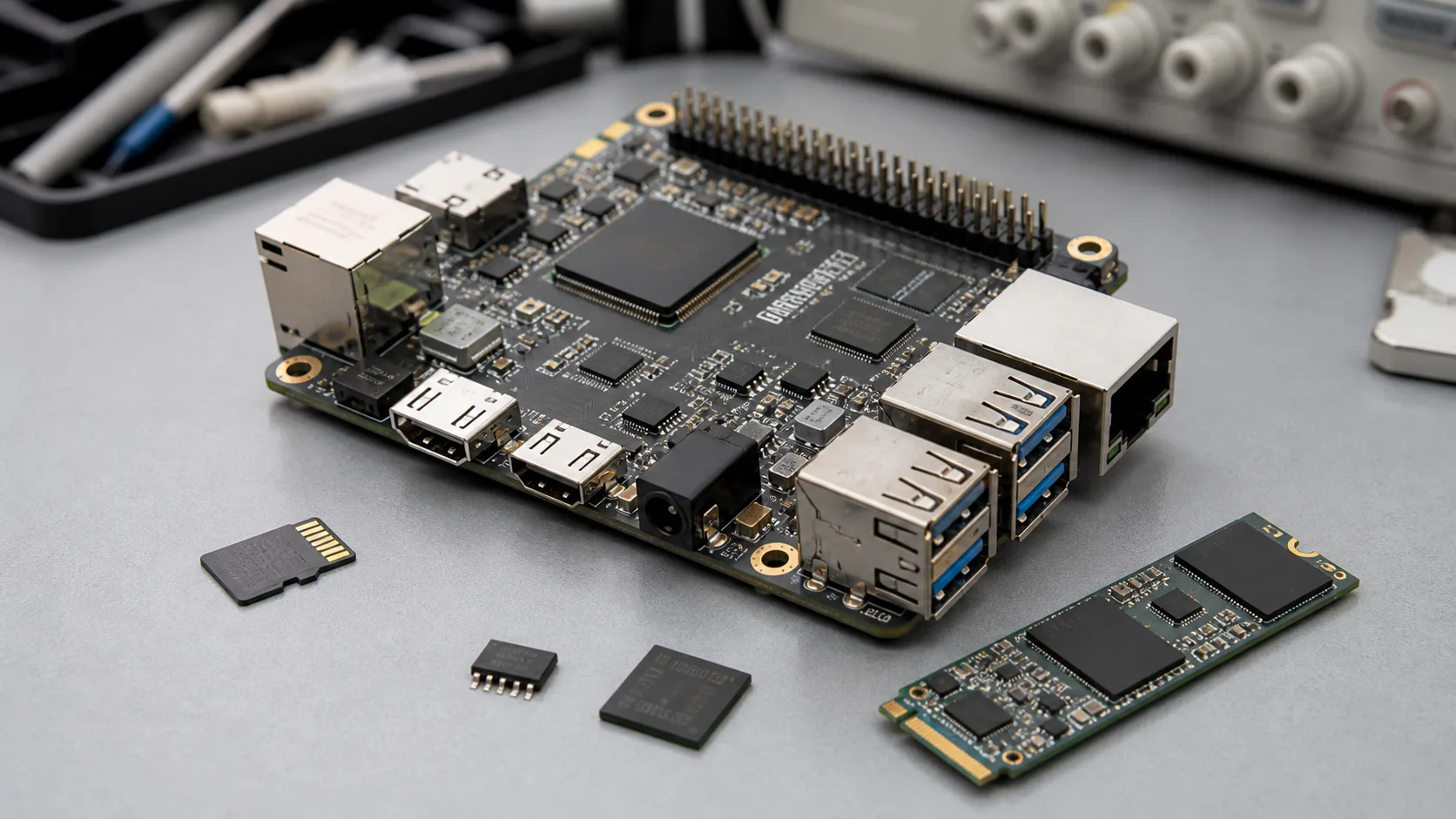
Storage is easy to underestimate in Linux SBC projects. A board may boot successfully during evaluation, yet fail later because logs wear out the media, field updates are slow, the image is hard to flash, or the selected storage part cannot be supplied consistently. For gateways, industrial controllers, HMI products, and smart terminals, storage is not only a capacity choice. It affects reliability, boot time, update method, production process, and field maintenance.
When selecting a Linux SBC, teams should discuss storage at the same time as the operating system, service list, logging strategy, power behavior, and production quantity. A development sample can tolerate a loose SD card workflow. A product installed in a cabinet, hotel room, kiosk, or remote site usually needs a more controlled plan.
Start with the storage role
Do not begin with “how many gigabytes?” Begin with what the storage must do. Some devices only need a stable boot image and light configuration data. Others need local database writes, buffered IoT messages, security logs, video clips, package updates, container images, or customer application data.
| Storage role | Typical requirement | Design concern |
|---|---|---|
| Bootloader | Small, reliable, early boot access | Recovery and protection |
| Root filesystem | Stable Linux image | Read-only or controlled writes |
| Application data | Config, database, local files | Wear and backup |
| Logs | Frequent writes | Rotation and endurance |
| Update image | OTA, A/B, recovery | Space and rollback |
This map should be reviewed by engineering and procurement together. Engineers can estimate write behavior, while procurement checks lifecycle, supplier availability, and whether the chosen media can be sourced for future batches.
eMMC for controlled production devices
For many embedded Linux products, eMMC is the default production-friendly choice. It is soldered to the board, easier to control in the BOM, and less likely to be swapped by users. It can support a stable flashing process and a repeatable factory image. For gateways, industrial boards, and commercial terminals, this predictability is often more valuable than raw capacity.
eMMC still needs planning. Choose capacity with enough room for the root filesystem, updates, logs, configuration, and expected growth. Do not fill the device too tightly. Leave space for update packages, temporary files, and future software changes. If the product writes logs continuously, review log rotation and write frequency instead of assuming that “more eMMC” solves the problem.
For a custom SBC, eMMC choice should be reviewed with the PMIC, boot pins, flashing method, test fixture, and approved vendor list. A storage substitution during production can affect boot behavior and image validation.
SD card for evaluation and service workflows
SD cards are useful during development. They make image flashing easy, let engineers compare builds quickly, and can simplify early BSP bring-up. They may also be useful for service recovery images or products where removable storage is a feature.
For production, SD cards need caution. Card quality varies widely. Two cards with the same label may behave differently across batches. Random write performance can be poor. Users may remove the card, copy files incorrectly, or replace it with a consumer card that cannot handle the product workload.
If the final product must use SD card storage, specify the approved card model, capacity, speed class, endurance direction, file system, partition layout, and replacement process. Also test power loss during writes. A Linux device that depends on SD card storage should have a clear recovery procedure.
SPI flash for boot and recovery
SPI NOR flash is often used for bootloader, small firmware, recovery code, or board identity information. It is fast enough for early boot tasks and can be useful when the main storage device should remain replaceable or recoverable. In some designs, SPI flash can hold U-Boot and environment variables while the root filesystem lives on eMMC, SD, or NVMe.
SPI flash is not usually the best place for a full Linux root filesystem unless the image is very small and write behavior is tightly controlled. Capacity is limited, write endurance must be considered, and update strategy needs discipline. For embedded products, SPI flash should be treated as a critical boot component, not a casual storage bucket.
Linux supports many file systems and storage paths; the official Linux kernel file system documentation is useful background. In product work, the key question is still practical: which storage layout survives the field workload and can be built repeatedly in the factory?
NVMe for high-write or data-heavy devices
NVMe is worth considering when the Linux SBC has a real data workload: local database, video recording, AI data, buffered cloud uploads, logs from many devices, or a container-based application stack. It can provide high throughput and larger capacity, but it also changes power, thermal, mechanical, and cost planning.
An NVMe module adds connector, mounting, supply, thermal, and lifecycle questions. In a sealed enclosure, heat can become the limiting factor. In industrial deployments, vibration and connector retention may matter. In cost-sensitive devices, NVMe may be unnecessary if eMMC already meets the workload.
For IoT gateway products, NVMe can be useful when the device buffers data locally during network outages or stores edge analytics results. The team should still define retention period, write volume, database behavior, and cleanup policy before selecting capacity.
File system and write strategy
The storage device is only part of the answer. File system choice and write strategy matter just as much. A simple product may use a mostly read-only root filesystem with a small writable data partition. A gateway may need a journaling file system, log rotation, and careful database sync settings. A device with frequent power loss may need stronger recovery design.
Common planning items include:
- Read-only root filesystem where possible.
- Separate writable partition for configuration and logs.
- Log rotation and maximum log size.
- Database write interval and sync behavior.
- A/B update or recovery partition.
- Factory reset method.
- Power-loss test during active writes.
For unattended devices, watchdog and recovery behavior should be reviewed together with storage. A reboot loop caused by a corrupted data partition can be worse than the original application failure.
Production flashing and traceability
Production teams need a repeatable method to flash and verify storage. The process should record image version, device serial number, MAC address if applicable, storage capacity, test result, and known hardware configuration. If the product uses eMMC, the factory may flash through USB, SD boot, test fixture, or vendor tool. If it uses removable media, the factory also needs card labeling and verification.
For more context on manufacturing flow, read SMT-to-delivery workflow for embedded boards and driver bring-up for Ethernet, RS485, GPIO, and storage. Storage planning touches both software and factory work.
A practical selection table
| Storage option | Best fit | Watch carefully |
|---|---|---|
| eMMC | Production boot image, controlled BOM | Capacity, endurance, approved vendors |
| SD card | Evaluation, service image, removable data | Card quality, user replacement, power loss |
| SPI flash | Bootloader, recovery, small firmware | Capacity, update method, write limits |
| NVMe | Database, video, high-write edge workloads | Power, heat, connector, cost |
There is no universal best storage option. The best choice is the one that matches the device workload, enclosure, maintenance plan, and production method. A simple controller may be reliable with eMMC and a read-only root filesystem. A data-heavy gateway may justify NVMe. A field service process may still need SD boot as a recovery path.
If you are planning a Linux SBC project, prepare the application workload, expected write volume, update method, log needs, power-loss conditions, quantity, and maintenance expectations before requesting a quote. Avontek can review standard Linux SBC directions or a custom board plan when storage, enclosure, and production requirements need to be designed together.
Frequently Asked Questions
Is eMMC better than SD card for Linux SBC production?
For many production devices, eMMC is more controlled and repeatable than removable SD cards. SD cards are still useful for evaluation, service images, or products that intentionally need removable storage.
When should a Linux SBC use NVMe storage?
NVMe is worth reviewing when the product needs higher write volume, local databases, video storage, AI data, large logs, or fast update and recovery operations.
Can SPI flash be the main Linux storage?
SPI flash is usually better for bootloader, recovery, or compact firmware roles. A full Linux root filesystem often needs eMMC, NAND, SD, NVMe, or another larger storage device.