
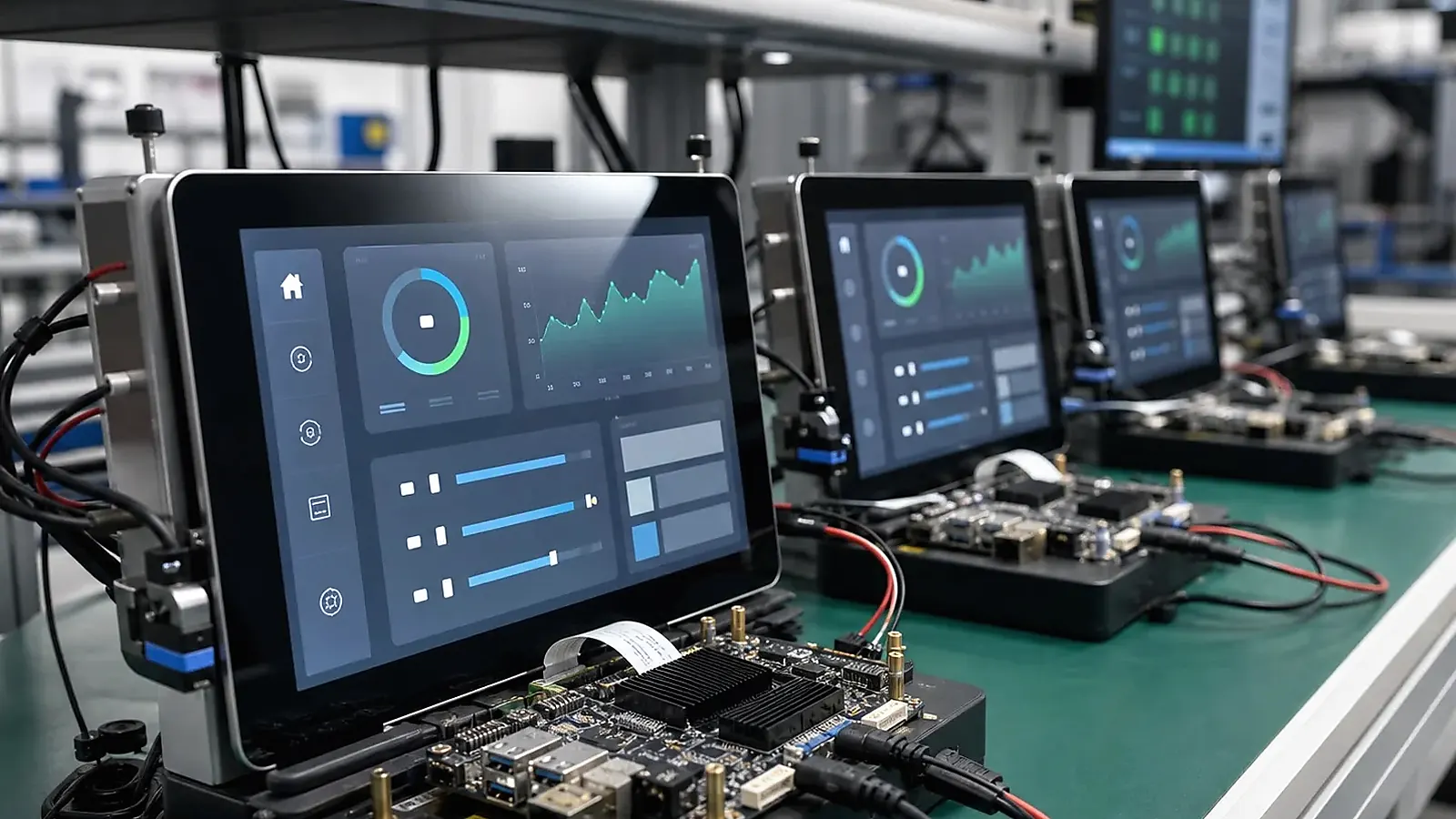
Industrial HMI products need more than a touchscreen. They often connect to equipment, controllers, sensors, gateways, power systems, and field wiring. A reliable industrial HMI board must support the display and touch panel while also handling Ethernet, RS485, CAN, GPIO, USB, storage, watchdog, power recovery, enclosure constraints, and production testing. The interface plan should be written before board selection or custom layout begins.
For Industrial HMI Interface Planning: Ethernet, RS485, CAN, GPIO, Touch, and Production Testing, production readiness depends on repeatable I/O tests, not only a working prototype. Each Ethernet, serial, GPIO, relay, USB, storage, and power-recovery item should have a pass/fail method that the factory can run without engineering judgment on every unit.
For equipment panels and operator terminals, the HMI SBC direction should be connected with Industrial SBC requirements. The product may look like a display device, but its real value depends on stable field communication and repeatable operation.
Define the control environment
Start with the installation environment. Will the HMI sit inside an industrial cabinet, on a machine, in a public terminal, or near motors and long cables? Does it need to communicate with PLCs, meters, sensors, relays, gateways, or cloud software? Does it need local control if the network is unavailable?
These answers affect interface selection, connector layout, protection, isolation, grounding, and software behavior. A standard Linux SBC or Android SBC may work for evaluation, but a production industrial HMI often needs project-specific board and enclosure planning.
Interface checklist
| Interface | Planning question |
|---|---|
| Ethernet | One or more ports, speed, static IP, service access |
| RS485/RS232 | Protocol, isolation, termination, connector style |
| CAN | Baud rate, protection, device count, software stack |
| GPIO | Voltage level, input/output direction, protection |
| USB | Service port, peripheral port, internal module connection |
| Display/touch | Interface, controller, noise behavior, backlight control |
| Power | Input range, surge, restart, backup, watchdog behavior |
Every interface should have a purpose. “Need RS485” should become “one isolated RS485 for Modbus RTU to a field controller.” This level of detail helps the supplier choose the right ICs, connectors, and Linux or Android BSP path.
BSP and protocol behavior
Industrial HMI software may need stable service startup, protocol daemons, device permissions, logs, watchdog, and recovery after power failure. Linux often fits these needs well, while Android can be suitable when the UI and app ecosystem are central. The official Linux kernel documentation is useful technical background, but product reliability depends on board-specific BSP and driver validation.
If the HMI uses Android, confirm app access to serial ports, USB devices, Ethernet, storage, and permissions. If it uses Linux, confirm device tree, drivers, root filesystem, service startup, and logging.
Enclosure, connector, and field wiring
Industrial HMI products should be easy to install and service. Connector direction, terminal spacing, cable strain relief, grounding, shielding, service port access, and mounting depth matter. If the standard board creates a cable bundle inside the enclosure, a Custom SBC may reduce failure points.
Display cables and field wiring should be separated where possible. Touch performance can suffer from noise, poor grounding, or cable routing. Thermal behavior should also be checked after the enclosure is closed.
Procurement needs to confirm that terminal blocks, connectors, display parts, and communication ICs are suitable for follow-up supply. Industrial HMI products often stay in the field for years, so component substitutions should be controlled. A new RS485 transceiver, touch controller, or Ethernet PHY may require software or test updates.
Production testing
Factory testing needs to match field use. A test plan may include:
1. Flash image and record firmware version.
2. Test display, backlight, and full-panel touch response.
3. Test Ethernet, RS485, CAN, GPIO, USB, and storage.
4. Run protocol or loopback tests for field interfaces.
5. Confirm watchdog, power recovery, app or service startup.
6. Record serial number, MAC address, and pass/fail result.
Testing only the screen is not enough for industrial HMI products. Field interfaces needs testing with fixtures or loopback tools before shipment.
Pilot and field validation
Pilot units should be installed in conditions close to the real site. Test with actual cable lengths, connected devices, power behavior, and operator workflow. Ask technicians to report wiring difficulty, connector access, screen visibility, touch response, and service access.
For broader reading, see hardware design priorities for industrial controllers and factory test coverage for embedded boards. These topics are closely tied to industrial HMI success.
Field validation should also include failure cases. Disconnect Ethernet, power-cycle the unit during operation, remove a field device, create a serial communication timeout, and check whether the HMI reports the problem clearly. These tests help confirm that the product can be supported by technicians, not only engineers.
Keep the final test report with the production image version, connected device list, and cable configuration used during validation.
Final recommendation
Plan industrial HMI interfaces from the field environment backward. Display and touch matter, but Ethernet, RS485, CAN, GPIO, power, enclosure, BSP, and production testing decide whether the product works reliably after installation.
Frequently Asked Questions
What details are useful before we talk about an HMI build?
Send the use case, OS preference, display or I/O list, enclosure limits, power input, wireless needs, target quantity, and timing. With that context, Avontek can suggest a HMI hardware path that fits the real device instead of only comparing board specifications.
When is a custom SBC worth considering for an HMI product?
A custom SBC is worth reviewing when the device needs a fixed PCBA outline, connector position, display interface, power input, wireless module, mounting method, or cost target that a catalog board cannot meet cleanly.
Can Avontek stay involved after HMI samples are built?
Yes. Avontek can help with HMI board choice, Android or Linux BSP discussion, peripheral checks, sample bring-up, test fixtures, image review, and factory coordination.