
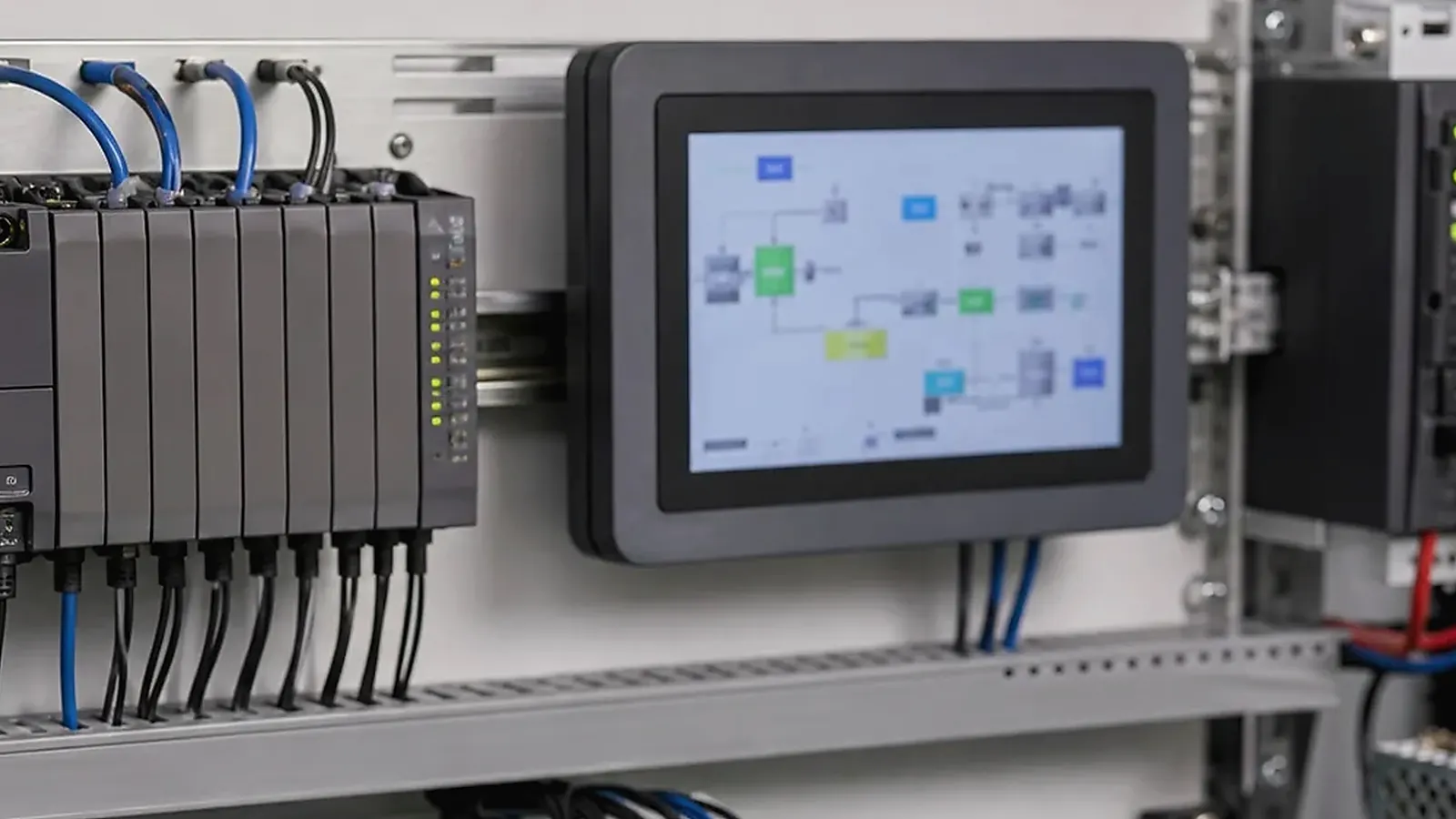
Industrial control SBC design is about predictable behavior in real installations. A control board may sit in a cabinet, connect to machines, handle serial communication, monitor inputs, drive outputs, run a Linux service, or provide a local HMI. It must tolerate power events, cabling variation, heat, operator mistakes, and long service periods. A board that works on a desk is only the first step.
Industrial control pages need a site-level review. For Industrial Control SBC Design Considerations, consider cabinet temperature, cable length, grounding, power quality, RS485 or CAN noise, DIN or panel mounting, service access, and how a technician will replace the unit without guessing at wiring or firmware version.
The design should be evaluated together with field environment, enclosure, wiring, power input, software startup, production testing, and lifecycle requirements. Industrial products do not need every possible interface. They need the right interfaces implemented in a way that can be installed, tested, maintained, and supplied.
Start from the control task
Define what the board controls or monitors. Does it read sensors, connect to PLCs, drive relays, translate protocols, collect machine data, provide an operator display, or send information to a server? What happens after power loss? What must restart automatically? What failures should be logged? Which functions are safety-related or business-critical?
A Linux SBC is often a practical direction for industrial control systems because it supports services, networking, storage, driver control, and field maintenance. Some products may require an Industrial SBC or a product-specific Custom SBC for mechanical fit, protected interfaces, terminal wiring, or long-term supply.
I/O reliability matters more than feature count
Industrial products often need Ethernet, UART, RS485, RS232, CAN, GPIO, USB, storage, wireless modules, display, touch, relays, isolated inputs, and sometimes audio or camera. The key question is not only whether the interface exists, but whether it can survive the installation environment and be tested in production.
| I/O area | Design questions |
|---|---|
| Ethernet | Port count, isolation, connector style, surge exposure |
| RS485/RS232 | Isolation, termination, biasing, protocol timing |
| CAN | Transceiver, protection, connector, driver support |
| GPIO/relays | Voltage levels, current, isolation, test method |
| USB | Service-only or user-facing, retention, ESD exposure |
| Power | Input range, surge, reverse protection, restart behavior |
| Storage | Logs, database, write frequency, power-loss recovery |
Interfaces that leave the enclosure need more attention than internal signals. Long cables, motors, field wiring, and cabinet grounding can create problems that do not appear during bench testing. Protection, isolation, grounding, and connector choice should be discussed before PCB layout is frozen.
Software startup and recovery
Industrial control boards often run Linux services instead of a visible app. The system should boot predictably, start services in order, enable the watchdog, restore network communication, and recover from ordinary failures. Engineers should define log storage, service restart behavior, filesystem protection, update method, and what happens when a connected device stops responding.
The official Linux watchdog documentation is useful background for recovery planning, but the product still needs board-level validation. A watchdog that is enabled incorrectly can hide software problems instead of solving them. It needs testing with real failure cases.
Enclosure and installation details
Industrial control products are often mounted in cabinets, machines, panels, or equipment housings. Connector direction, cable bend radius, terminal access, LED visibility, reset button access, DIN-rail or screw mounting, and heat dissipation all affect field usability. A small mechanical issue can create repeated installation mistakes.
If connector position, PCBA outline, mounting holes, power input, component selection, or enclosure constraints are important, a custom board should be discussed early. Waiting until after the enclosure is locked can force adapter cables or housing changes. The Industrial Control solution page can help define the application direction before board selection.
Production testing and pilot validation
Production preparation needs to cover prototype bring-up, interface tests, software image checks, issue tracking, and manufacturing coordination. A proper test flow needs to verify power input, Ethernet, serial ports, CAN, GPIO, storage, watchdog, service startup, image version, labels, and any application-specific control function. If the product uses RS485 or CAN, test real communication rather than only checking connector presence.
Pilot validation needs to happen with the board in the enclosure and with realistic cables. Power cycling, network loss, serial device errors, full logs, and temperature conditions need testing before production approval. For related detail, read SBC requirements for automation equipment and fieldbus and GPIO planning for control boards.
Procurement and lifecycle
Procurement should ask which components are fixed and which have approved alternatives. Ethernet PHY, isolated transceivers, eMMC, PMIC, wireless modules, connectors, and terminal blocks can all affect layout, software, and test fixtures. For industrial products, a small component substitution can create a large validation burden.
Lifecycle planning needs to cover expected production years, repair policy, firmware maintenance, and follow-up batches. A stable industrial control product is not only a good prototype; it is a controlled hardware and software platform.
Field validation checklist
Before approving the design, test the board with realistic equipment. Connect actual RS485, CAN, Ethernet, GPIO, relay, or sensor devices. Run the control application, remove power, disconnect communication lines, restart connected equipment, and verify recovery. If the product uses Linux services, confirm service restart behavior and watchdog operation with controlled failure cases.
Thermal and mechanical checks should not be postponed. Test the board in the expected enclosure, with the planned cables and power supply. Check connector access, terminal labeling, LED visibility, heat build-up, grounding, and cable strain. Industrial products often fail in the details of installation rather than in the processor choice.
Buyer questions before production
Buyers should ask for the hardware revision, approved BOM, component alternatives, Linux image version, tested interface list, production test procedure, known limitations, and pilot run result. If an alternate transceiver, connector, storage device, or power component is proposed, ask whether it changes validation.
For control products, clear documentation is part of quality. Wiring diagrams, connector pinouts, label rules, firmware version notes, and test records help installers and support teams avoid mistakes after shipment.
Common mistakes to avoid
The first mistake is treating industrial control like an ordinary SBC project. Field wiring, long cables, grounding, surge exposure, and installation errors can create failures that do not appear in a lab. The second mistake is ignoring software recovery. If a service stops, a serial device hangs, or the network is unavailable, the system should have a defined response.
The third mistake is changing components after validation. RS485 transceivers, CAN devices, eMMC, connectors, and power components may look interchangeable in purchasing, but they can affect reliability and test results. Approved alternatives should be validated before production.
Industrial products reward conservative engineering. A simple, well-tested design is usually better than a feature-heavy board that is difficult to install or support.
It is also worth reviewing documentation before production. Connector names, pinouts, LED meanings, DIP switch settings, firmware versions, and wiring examples needs to match the actual unit. Clear documentation reduces installation errors and makes field feedback easier to understand.
Final recommendation
Design an industrial control SBC around the control task, protected I/O, Linux service behavior, enclosure, production testing, and lifecycle supply. Give more weight to recoverability and field installation than to headline specifications. The best board is the one that keeps working after ordinary field events and can be built the same way in every batch.
Frequently Asked Questions
What details are useful before we talk about an Industrial Control build?
Send the use case, OS preference, display or I/O list, enclosure limits, power input, wireless needs, target quantity, and timing. With that context, Avontek can suggest a Industrial Control hardware path that fits the real device instead of only comparing board specifications.
When is a custom SBC worth considering for an Industrial Control product?
A custom SBC is worth reviewing when the device needs a fixed PCBA outline, connector position, display interface, power input, wireless module, mounting method, or cost target that a catalog board cannot meet cleanly.
Can Avontek stay involved after Industrial Control samples are built?
Yes. Avontek can help with Industrial Control board choice, Android or Linux BSP discussion, peripheral checks, sample bring-up, test fixtures, image review, and factory coordination.