
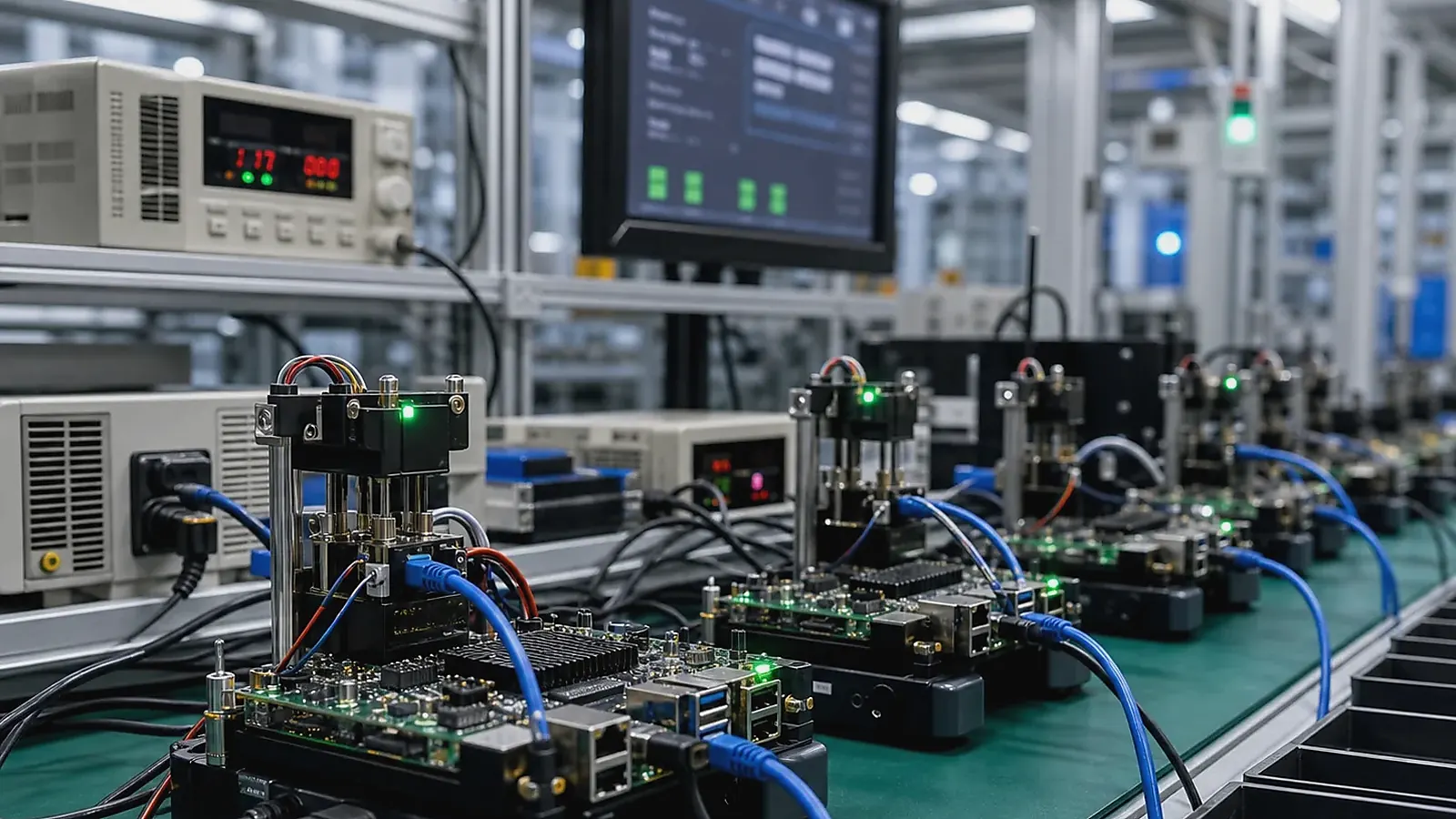
Industrial control board production testing should prove that each unit can perform its field function before shipment. A prototype that works on a bench is not enough. The factory needs a repeatable process to flash software, test interfaces, verify power behavior, check labels, and record results. Deployment teams need wiring information, service access, and a known-good baseline.
For Industrial Control Board Production Testing and Deployment Checklist, the most useful factory question is whether the test can catch the failure before shipment. Power, flashing, display, touch, wireless, Ethernet, serial ports, audio, storage, buttons, and product-specific functions need a practical pass/fail path with traceable results.
For an Industrial Control SBC product, testing should be planned during design. Test points, connector access, firmware versioning, labels, and fixtures are much easier to add before the board is finalized.
Define the approved baseline
Before production, record board revision, BOM version, enclosure version, Linux or Android image version, test fixture version, label format, packaging, and approved accessories. This baseline protects future batches from silent drift.
If the project uses a Custom SBC, also record PCBA outline, mounting holes, connector layout, and controlled components. If the project uses a standard Linux SBC, record the exact board variant and image release.
Factory test checklist
| Test area | What to verify |
|---|---|
| Power | Input range, restart, current draw, protection behavior |
| Boot | Image version, startup time, recovery mode |
| Network | Ethernet, Wi-Fi or LTE if used, MAC address |
| Field I/O | RS485, RS232, CAN, GPIO, relays, terminal labels |
| Storage | eMMC, SD card, logs, write test, configuration |
| Services | App or Linux services, watchdog, protocol process |
| Identity | Serial number, QR code, product label, batch record |
| Packaging | Accessories, wiring guide, manual, protective materials |
The official IPC standards resources are useful background for electronics manufacturing expectations, but each control product still needs its own functional test plan.
Fixture and software test tools
Testing should not depend only on manual observation. Fixtures can loop back RS485, CAN, GPIO, USB, and Ethernet. Test software can record pass/fail results, image version, serial number, MAC address, and failed items. This is especially important when production volume grows.
For Linux control boards, test scripts should check service startup, logs, storage, watchdog, and interface availability. For Android HMI-style control products, test app startup, display, touch, permissions, and device communication.
Fixtures should be version-controlled like software. A fixture wiring change or test script change can affect pass/fail results. Keep a record of fixture version, test software version, and the accepted limits for each interface.
Pilot deployment
Pilot units should be installed with real cables, power supply, enclosure, and connected devices. Technicians should report wiring difficulty, connector access, labels, heat, reset access, and service workflow. Engineers should review logs, power recovery, protocol communication, and long-running behavior.
If the product is part of a gateway or HMI system, compare IoT Gateway SBC and HMI SBC deployment requirements. The same control board may need both field communication and user interface validation.
Pilot deployment should run long enough to expose heat, storage, service restart, and communication issues. A short demo can miss problems that appear after logs accumulate, cables move, or field devices reconnect repeatedly.
Production records and support
Every shipped unit should have a traceable record: serial number, image version, test result, batch number, and key component version where required. Field support should know how to identify software version, restore configuration, and replace a unit.
For related reading, see factory test coverage for embedded boards and EVT, DVT, and PVT development stages.
Deployment packages needs to cover wiring guide, terminal labels, accessory list, software version record, and basic troubleshooting steps. If the product is installed across many sites, keep one approved reference unit for comparison.
Incoming inspection on the buyer side should check labels, enclosure, connector position, accessories, image version, and a sample functional test. This catches shipping damage or configuration drift before the product reaches the field.
Change control should be agreed before repeat orders. If a connector, storage device, wireless module, power IC, or firmware image changes, the supplier should notify the buyer and define whether revalidation is needed. Silent substitutions are risky in industrial control products.
For service teams, keep wiring diagrams, configuration backups, test records, and a reference unit. These assets make troubleshooting much faster when a deployed unit behaves differently from the approved sample.
Final approval before shipment
Before shipment, review the production lot against the approved baseline. Confirm BOM status, image version, fixture result, packaging, accessories, labels, and open issues. If the lot includes a new component or software change, mark it clearly in the delivery record.
For critical industrial products, a small sample from each batch should be retested by the buyer or distributor. This does not replace factory testing, but it helps catch shipping damage, labeling mistakes, or configuration drift before installation.
Final recommendation
Treat production testing as part of industrial control board design. A reliable product needs a tested image, tested I/O, tested power behavior, clear labels, deployment records, and a support process that works after shipment.
Frequently Asked Questions
What details are useful before we talk about an Industrial Control build?
Send the use case, OS preference, display or I/O list, enclosure limits, power input, wireless needs, target quantity, and timing. With that context, Avontek can suggest a Industrial Control hardware path that fits the real device instead of only comparing board specifications.
When is a custom SBC worth considering for an Industrial Control product?
A custom SBC is worth reviewing when the device needs a fixed PCBA outline, connector position, display interface, power input, wireless module, mounting method, or cost target that a catalog board cannot meet cleanly.
Can Avontek stay involved after Industrial Control samples are built?
Yes. Avontek can help with Industrial Control board choice, Android or Linux BSP discussion, peripheral checks, sample bring-up, test fixtures, image review, and factory coordination.