
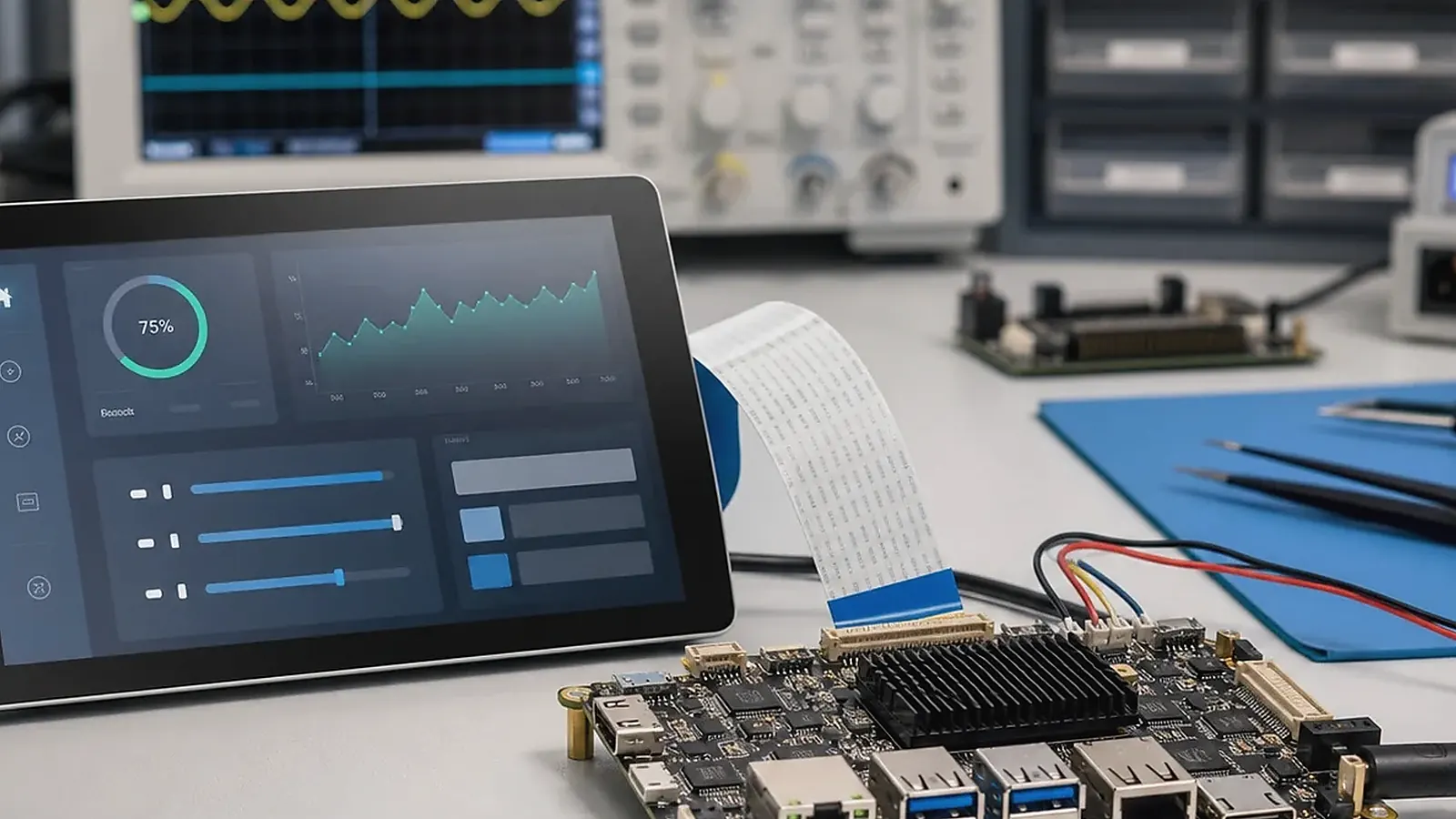
Choosing an HMI SBC for a touchscreen operator terminal is a system decision. The board must support the display, touch panel, operating system, field interfaces, enclosure, cable routing, power behavior, and production testing method. A board that looks strong on a specification sheet can still be a poor HMI choice if the display is difficult to bring up, the touch controller is unstable, or the enclosure forces awkward cable routing.
For HMI SBC Selection Guide for Touchscreen Operator Terminals, the right SBC is the one that survives the full transaction flow. Test boot, login, network reconnect, peripheral wake-up, data upload, error messages, and recovery after power loss before treating a sample board as a product platform.
For equipment interfaces, control panels, commercial terminals, industrial displays, and room devices, the HMI SBC direction should begin with the user workflow and installation environment. Engineers care about display timing, drivers, and I/O. Project managers care about schedule and sample validation. Procurement cares about display supply, board lifecycle, and production repeatability.
Start from the screen and operator workflow
The display is the visible product. Define size, resolution, brightness, viewing angle, orientation, backlight control, cover glass, and touch environment before choosing the board. A factory operator terminal may need glove-friendly touch, stronger brightness, Ethernet, serial ports, and reliable restart after power loss. A commercial display terminal may need smoother UI, audio, camera, Wi-Fi, and app-based workflows.
If the HMI depends on Android applications, compare Android SBC options. If the HMI is closer to a controller with background services and industrial interfaces, compare Linux SBC options. If the board must match a fixed enclosure, move early toward Custom SBC planning.
Display and touch checklist
| HMI requirement | What to confirm |
|---|---|
| Display interface | MIPI, LVDS, RGB, HDMI, eDP, resolution, timing |
| Touch panel | I2C or USB controller, multi-touch, rotation, noise behavior |
| Boot experience | Logo timing, screen orientation, flicker, backlight control |
| Enclosure | Cable length, connector direction, mounting depth, thermal space |
| Supply | LCD lifecycle, touch controller consistency, replacement plan |
| Testing | Color test, brightness test, full-panel touch test, image version |
Display and touch should not be left for late integration. If the product already has a selected LCD, send the datasheet and touch controller details before board selection. If the display is still open, choose from proven panel combinations where possible.
Android or Linux for HMI
Android is often suitable when the HMI needs a rich UI, app workflow, language switching, media, customer-facing interaction, or a controlled launcher. Linux is often suitable when the HMI needs stable services, direct hardware control, Ethernet, RS485, GPIO, logs, and long-running operation.
The official Android developer guide is useful for application-level planning, but embedded HMI products still need board-level BSP support. Linux HMI projects have a similar dependency on kernel, device tree, drivers, and root filesystem delivery.
Interface planning
An HMI board may need Ethernet, USB, UART, RS485, CAN, GPIO, audio, camera, Wi-Fi, Bluetooth, storage, RTC, watchdog, buttons, and LEDs. Each interface should be tied to a product function. For example, one UART may be debug-only, while another serial interface may connect to a PLC or field controller. That difference affects connector access and testing.
For industrial operator terminals, the team should also review power input, isolation, surge environment, cable shielding, grounding, and service access. HMI reliability is not only a software issue; it depends on installation details.
Procurement should also check whether the selected connectors, LCD, touch panel, wireless module, and memory configuration can be repeated across future batches. A late display or touch controller change can force BSP changes, new validation, and new production test work. This is why the HMI board decision needs to cover supply review, not only engineering approval.
Enclosure and production fit
The HMI board needs review with the enclosure. Connector height, mounting holes, heat source position, display cable direction, antenna location, and test points can all affect assembly. A custom board may be justified if adapters, long FPC cables, or misaligned connectors make production difficult.
Factory testing needs to verify display, touch, network, serial ports, GPIO, audio, storage, wireless, app startup, and power recovery. For related reading, see HMI mainboard design for touch displays and display and touch integration for Android HMI.
Pilot units should be installed in the real enclosure before approval. Check screen visibility, touch response, boot time, heat, cable routing, service access, and whether the application behaves correctly after repeated power cycles. A bench test is useful, but the enclosure often reveals the issues that matter in production.
Record these pilot findings with photos, measurements, and version numbers so later board, display, or cable changes can be compared against the approved baseline.
For operator terminals, let one person outside the engineering team try the sample. If they miss a button, complain about brightness, or wait too long after power-on, that feedback is worth capturing before the UI and board choice are treated as fixed.
Final recommendation
Choose an HMI SBC by matching the display, touch panel, operating system, interfaces, enclosure, BSP, and test plan. The best board is the one that can be validated inside the final product and repeated in production, not only the one with the highest processor specification.
Frequently Asked Questions
What details are useful before we talk about an HMI build?
Send the use case, OS preference, display or I/O list, enclosure limits, power input, wireless needs, target quantity, and timing. With that context, Avontek can suggest a HMI hardware path that fits the real device instead of only comparing board specifications.
When is a custom SBC worth considering for an HMI product?
A custom SBC is worth reviewing when the device needs a fixed PCBA outline, connector position, display interface, power input, wireless module, mounting method, or cost target that a catalog board cannot meet cleanly.
Can Avontek stay involved after HMI samples are built?
Yes. Avontek can help with HMI board choice, Android or Linux BSP discussion, peripheral checks, sample bring-up, test fixtures, image review, and factory coordination.