
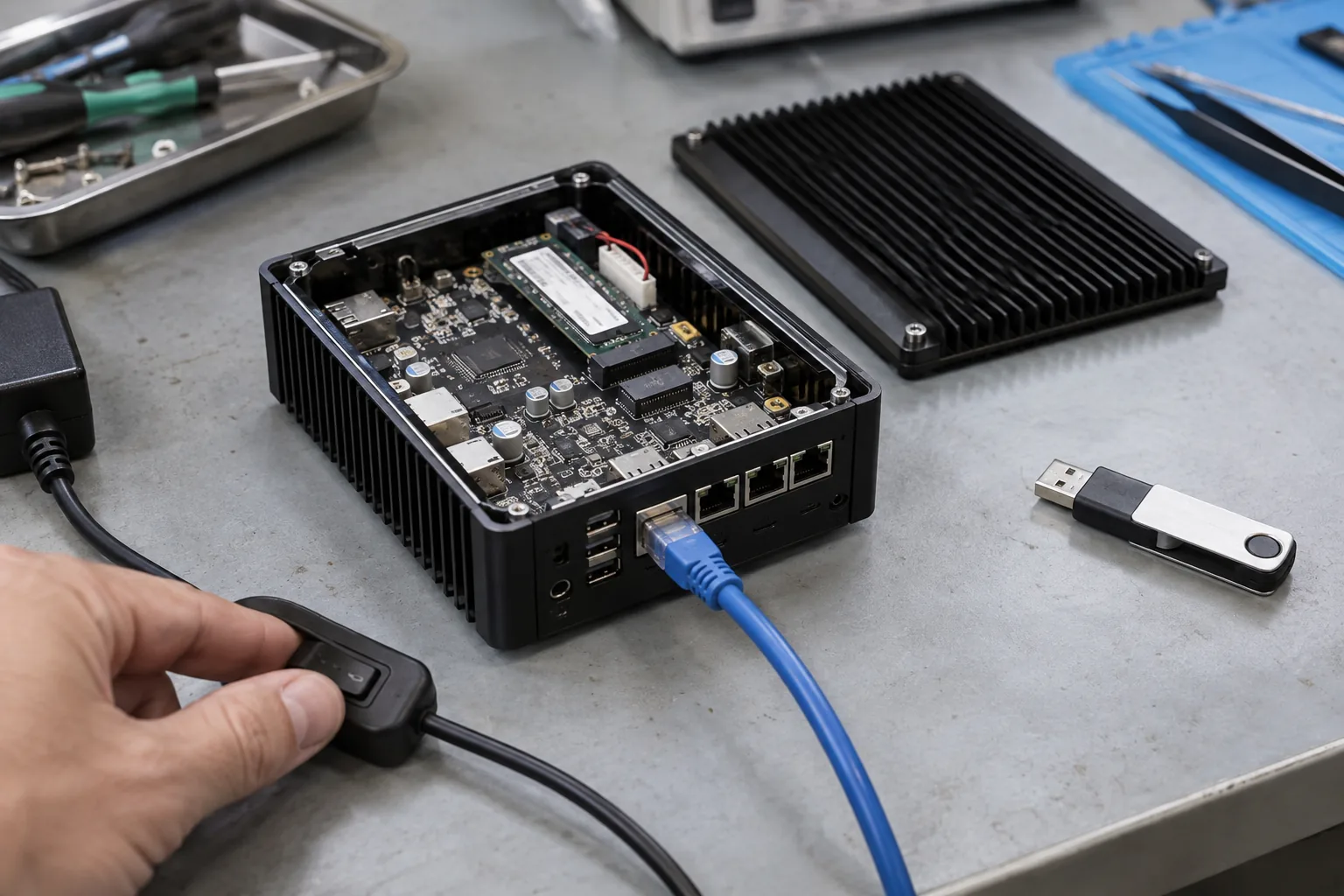
The awkward update failure is the one that still boots. Linux reaches the login prompt, but the application cannot read its database, the modem never reconnects, and the operator has no working remote path. A boot counter alone cannot tell that this product is out of service.
An embedded Linux update strategy must define installation, trial boot, health confirmation, rollback, and recovery. Partition layout supports that strategy, but does not complete it. Before choosing a tool, decide what the installed device must keep doing and what a technician can reach when normal software fails.
For a production Linux SBC, request an update demonstration on the intended storage layout and board image. A successful demo on the supplier’s evaluation kit is only an initial reference.
Start with the service constraint
A gateway in a locked roadside cabinet cannot depend on the same recovery process as an indoor instrument with a keyboard and screen. Record network availability, access to USB or serial, acceptable outage, local operator skills, and the cost of a site visit.
Separate application-only updates from complete system releases. A container or application package can simplify frequent software delivery, but kernel, bootloader, device tree, drivers, and radio firmware still need controlled updates when they change.
Decide which combinations are supported. A new app may require a different kernel interface or configuration format. The release process must reject unsupported combinations instead of relying on installers to remember them.
Compare A/B and recovery-based layouts
With an A/B design, the updater typically writes an inactive system slot while the current one remains usable. After verification, the bootloader tries the new slot and returns to an approved fallback if trial boot fails according to the configured policy.
A dedicated recovery design can instead boot a smaller maintenance environment that repairs or replaces the main system. It may reduce duplicated storage, but normal application service can be unavailable during the rewrite. Some products combine redundant system slots with a separate recovery route.
| Architecture | Useful property | Failure boundary to examine |
|---|---|---|
| A/B system slots | Keep a previous system available | Shared data and boot components |
| Main system plus recovery | Dedicated repair environment | Recovery reachability and rewrite interruption |
| Application packages | Smaller routine deployments | Dependencies and package transaction behavior |
| Manual service reflash | Direct recovery in accessible products | Labor, credentials, configuration restoration |
Choose using the installation constraints and storage budget. Do not assume that two root filesystems mean two fully independent boot paths.
Make the boot decision explicit
Document the active slot, pending slot, remaining trial attempts, and the condition that confirms success. The updater and bootloader must agree on those records. Persistent boot metadata needs a power-loss behavior appropriate to the platform.
RAUC’s update integration documentation covers bootloader interaction and marking slots good. It provides an implementation reference; the integrator still defines product health and verifies the selected board’s boot path.
Avoid writing a new fleet updater merely to manage two partitions. An established update framework can supply tested mechanisms, while the BSP team owns its integration with the storage, bootloader, signing, and recovery arrangement.
Confirm service health, not just startup
Define a short, deterministic local acceptance sequence after trial boot. Check that required filesystems mount, the application starts, its configuration can be read, and essential hardware becomes available. Choose timing limits from measured startup behavior.
The following is a product-state outline, not an executable script:
verify package -> write inactive slot -> select trial boot
trial boot -> check local storage, application, and required I/O
checks pass -> confirm slot
checks fail -> retain evidence -> retry or return to approved slot
Avoid requiring a cloud response when the product must operate offline. Otherwise, a network outage can cause a healthy update to roll back. At the other extreme, confirming success immediately after the kernel starts can approve an unusable application.
Align retry behavior with the watchdog recovery policy. Uncoordinated watchdog resets and boot counters can exhaust trial attempts or create a loop with little diagnostic evidence.
Shared data is the difficult part of rollback
Both system slots often share device identity, customer settings, logs, and application databases. If the new version changes a database in place, the old application may no longer understand it. Returning to the previous root filesystem will not reverse that change automatically.
Choose a migration strategy deliberately: backward-compatible changes, delayed destructive migration, versioned data, or a verified restore procedure. Define what happens to records created during trial operation. Blindly restoring an old database may lose transactions that occurred after the update.
Include migrations in the same acceptance matrix as power interruption. Start with realistic field data, upgrade, create new records, trigger rollback, and verify what the old software can still read. Record any supported downgrade boundary.
Reserve storage for the full update lifecycle
Budget both system slots, persistent data, temporary downloads where required, logs, recovery, and growth. Compressed download size does not establish installed image size. Leave working space for the largest approved release and for the logging needed during a failed attempt.
The embedded storage budget should also cover write load and failure diagnosis. If a failed download fills the data partition, the running application must remain supportable.
For a custom embedded board, settle these requirements before fixing the storage capacity. Increasing the component later can affect BOM cost, boot support, flashing time, and image qualification.
Protect authenticity and hardware compatibility
Verify the signed package and its intended board family or revision. Treat a valid signature as proof of authorization, not proof that an image fits every product. Keep release signing separate from ordinary development and define how trust material is rotated.
Bootloader and recovery changes need special attention because they can affect both normal slots. Document their own update sequence and fallback. A system that survives root-filesystem failures may still be unrecoverable after an interrupted shared bootloader write.
Decide when older signed versions should remain installable. Security-driven rollback restrictions and service-driven recovery need a coordinated policy rather than independent decisions by two teams.
Run a failure matrix before fleet rollout
Interrupt power during download, writing, boot selection, first boot, and data migration. Also test a wrong-board package, full storage, corrupted download, rejected signature, failed application, and lost network after installation. Repeat at relevant stages because the vulnerable interval may be short.
Record slot selection, boot attempts, application version, data version, and recovery outcome. Restore the test unit to a known baseline between cases. Keep recovery media and instructions versioned with the release.
Deploy first to a small representative group, observe local health and reported failures, and expand only when the agreed criteria pass. Purchasing should know who provides the update service, who signs releases, and who supports devices after the original development project ends.
The release is ready when the team can demonstrate both a successful update and a controlled return to useful operation after failure. That evidence matters more than whether the specification simply includes the letters “OTA.”
Frequently Asked Questions
Does an A/B layout guarantee rollback?
No. Rollback also depends on boot selection, retry limits, health confirmation, and compatibility of shared data. Both slots can be affected by a damaged shared boot component or an incompatible database migration.
When should Linux mark an update successful?
After product-specific local health checks pass, including essential services, storage, and required hardware. A running kernel alone is insufficient, while making success depend on an unavailable cloud service can cause needless rollback.
Can the recovery image be left unchanged forever?
It needs its own maintenance plan. Recovery software may contain vulnerable services, outdated trust material, or drivers that do not support later hardware revisions. Test and version it as a separate release artifact.