
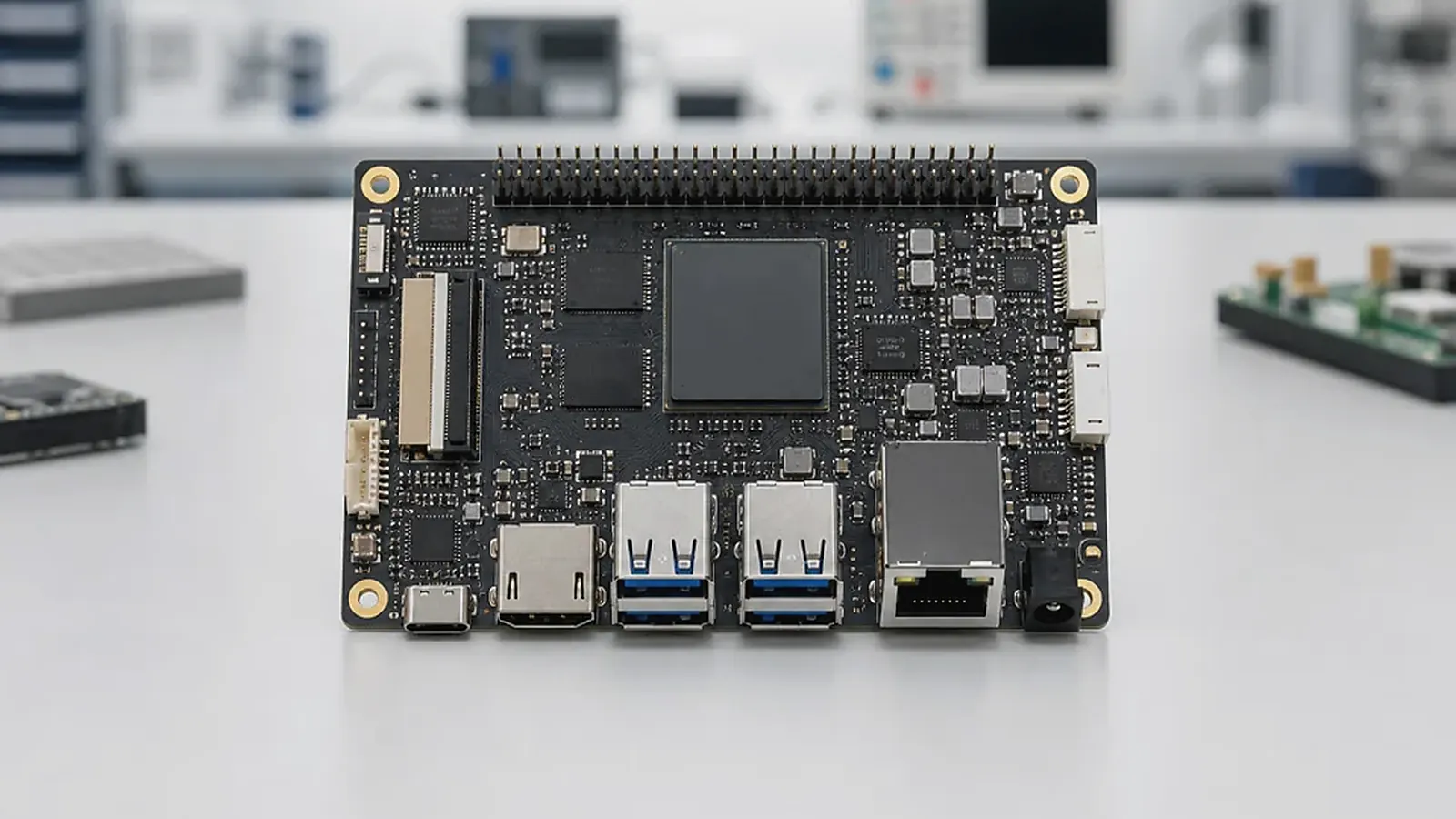
Choosing a Rockchip SBC for an embedded product should start with the product, not the processor table. Rockchip platforms cover a wide range of Android and Linux devices, from compact display terminals to HMI products, gateways, industrial control devices, smart terminals, commercial screens, and custom mainboards. That range is useful, but it also makes selection easy to oversimplify. A faster CPU does not automatically solve display bring-up, touch behavior, enclosure fit, driver support, or factory testing.
For engineers, the question is whether the board supports the exact interfaces and software stack. For project managers, the question is whether the platform can move from sample to pilot to production without hidden rework. For procurement, the question is whether the chosen configuration can be supplied repeatedly and tested consistently. A practical Rockchip SBC decision should satisfy all three.
Start from workload, not chip name
A product with a large Android touchscreen, video playback, camera, and heavy UI needs a different Rockchip direction from a Linux controller that reads RS485 devices and sends data to a server. A smart terminal may need USB peripherals, audio, scanner support, printer integration, and wireless stability. An industrial panel may need Ethernet, serial ports, GPIO, watchdog behavior, and operation in an enclosure. These workloads are more useful than raw CPU comparisons.
The Rockchip SBC hub includes directions such as RK3308, PX30 SBC, RK3326, RK3288, RK3566, RK3576, and RK3399. Some are better suited to compact control or audio products. Others are better for Android UI, display products, edge terminals, or higher-performance embedded systems. The first shortlist needs to match the actual workload: UI load, display resolution, camera count, media needs, I/O count, memory size, storage size, thermal condition, and expected software growth.
Android or Linux changes the evaluation
For Android products, Rockchip is often chosen because the product needs a strong user interface, touch interaction, app workflow, multimedia, language switching, or a customer-facing display. In this case, ask about Android version, display support, touch controller, boot logo, app auto-start, permissions, navigation bar control, Wi-Fi and Bluetooth module, camera, audio, USB device access, and factory image flashing.
For Linux products, the same board should be judged differently. Ask about bootloader, kernel version, device tree, root filesystem, Ethernet, UART, RS485, CAN, GPIO, storage, watchdog, logs, service startup, and update method. A Linux Rockchip board that works well for a gateway may not need a large display pipeline, while an Android HMI board may not be optimized for isolated industrial I/O. The official Linux kernel documentation is useful background, but the product still depends on board-level BSP validation.
If the OS decision is still open, compare Android SBC and Linux SBC directions before committing to a board. Switching OS direction later can change memory, storage, BSP scope, application development, test fixtures, and support responsibilities.
Display, touch, camera, and media
Many Rockchip projects are display-heavy. That means screen selection needs to happen early. Confirm the display interface, resolution, orientation, backlight control, boot logo timing, cable length, touch controller, and cover glass behavior. MIPI, LVDS, eDP, HDMI, and RGB requirements should be checked against the actual board design, not only the SoC capability.
Camera and media requirements need the same discipline. A product may need one camera for scanning, another for video, audio input and output, hardware decode, or smooth browser-based UI. These functions needs testing with the real application when possible. A board can look powerful on paper but still require BSP work for the exact camera sensor, audio codec, or display panel selected by the customer.
For sample evaluation, run the UI at the target resolution, test touch latency, play expected media, connect wireless networks, and restart power repeatedly. This is more useful than running a generic benchmark that does not match the product.
I/O, power, and mechanical fit
Rockchip SBC projects often include Ethernet, USB, UART, GPIO, audio, camera, Wi-Fi, Bluetooth, storage, display, touch, and sometimes RS485, CAN, LTE, or external modules. Each interface should be assigned to a product function. “Need USB” is not enough; the supplier needs to know whether it is a service port, user port, internal module, OTG function, or exposed connector.
Power and mechanical details can change the board choice. Confirm input voltage, peak current, power sequencing, restart after outage, sleep and wake behavior, thermal environment, connector direction, cable routing, mounting holes, antenna location, and service access. These details often decide whether a standard board can be used or whether a Custom SBC is more practical.
Standard Rockchip SBC or custom board
A standard Rockchip SBC is a good starting point for evaluation, application development, early UI testing, and low-volume products where the board fits the enclosure. A custom Rockchip board becomes more sensible when the product needs a fixed outline, connector positions, specific display connector, industrial power input, wireless module, cost reduction, or cleaner production assembly.
Do not wait until the enclosure is finished to discuss customization. If the customer already has an enclosure drawing, display datasheet, wall box, port layout, or volume target, share that information early. It is easier to choose a practical board direction before mechanical design is locked than to redesign cables and plastic parts later.
Production readiness questions
Before approving a Rockchip SBC, ask the supplier for the exact board configuration, memory and storage, OS version, BSP status, supported display and touch list, wireless module, flashing tool, image delivery method, production test scope, known limitations, and component lifecycle plan. For Android, include app startup and UI lockdown questions. For Linux, include watchdog, logs, services, and update questions.
Factory testing needs to verify more than power-on. It should check display, touch, network, USB, serial ports, audio, camera if used, storage, wireless, MAC address or serial number, system image version, and application startup. For related planning, read Rockchip SoC comparison across current and legacy platforms and custom Rockchip board and BSP integration.
Practical RFQ notes
A useful Rockchip RFQ needs to cover more than “need RK3566” or “need Android board.” Send the product type, display size and interface, touch controller, camera or audio needs, Ethernet and wireless requirements, USB and serial usage, memory and storage target, enclosure limits, power input, quantity estimate, and launch schedule. If the customer already has an app, describe whether it uses video, browser content, database access, AI features, or background services.
If the project is replacing an older product, share the old device photos and the reason for replacement. That context helps the supplier understand whether the main problem is cost, performance, supply, size, interface layout, or software support. It also helps avoid a generic recommendation when the real project needs a production platform.
During sample evaluation, request a written note covering tested functions and known limits. A clear limitation is not a bad sign; it is better than discovering the limitation during pilot production.
Final recommendation
Choose a Rockchip SBC by matching workload, OS, display, I/O, BSP maturity, enclosure, production test, and supply plan. Processor comparison is useful only after the product requirements are clear. The best choice is the Rockchip platform that can be validated on real hardware, supported through BSP work, and built repeatedly without late mechanical or software surprises.
Frequently Asked Questions
What details are useful before we talk about a Rockchip SBC build?
Send the use case, OS preference, display or I/O list, enclosure limits, power input, wireless needs, target quantity, and timing. With that context, Avontek can suggest a Rockchip SBC hardware path that fits the real device instead of only comparing board specifications.
When is a custom SBC worth considering for a Rockchip SBC product?
A custom SBC is worth reviewing when the device needs a fixed PCBA outline, connector position, display interface, power input, wireless module, mounting method, or cost target that a catalog board cannot meet cleanly.
Can Avontek stay involved after Rockchip SBC samples are built?
Yes. Avontek can help with Rockchip SBC board choice, Android or Linux BSP discussion, peripheral checks, sample bring-up, test fixtures, image review, and factory coordination.