
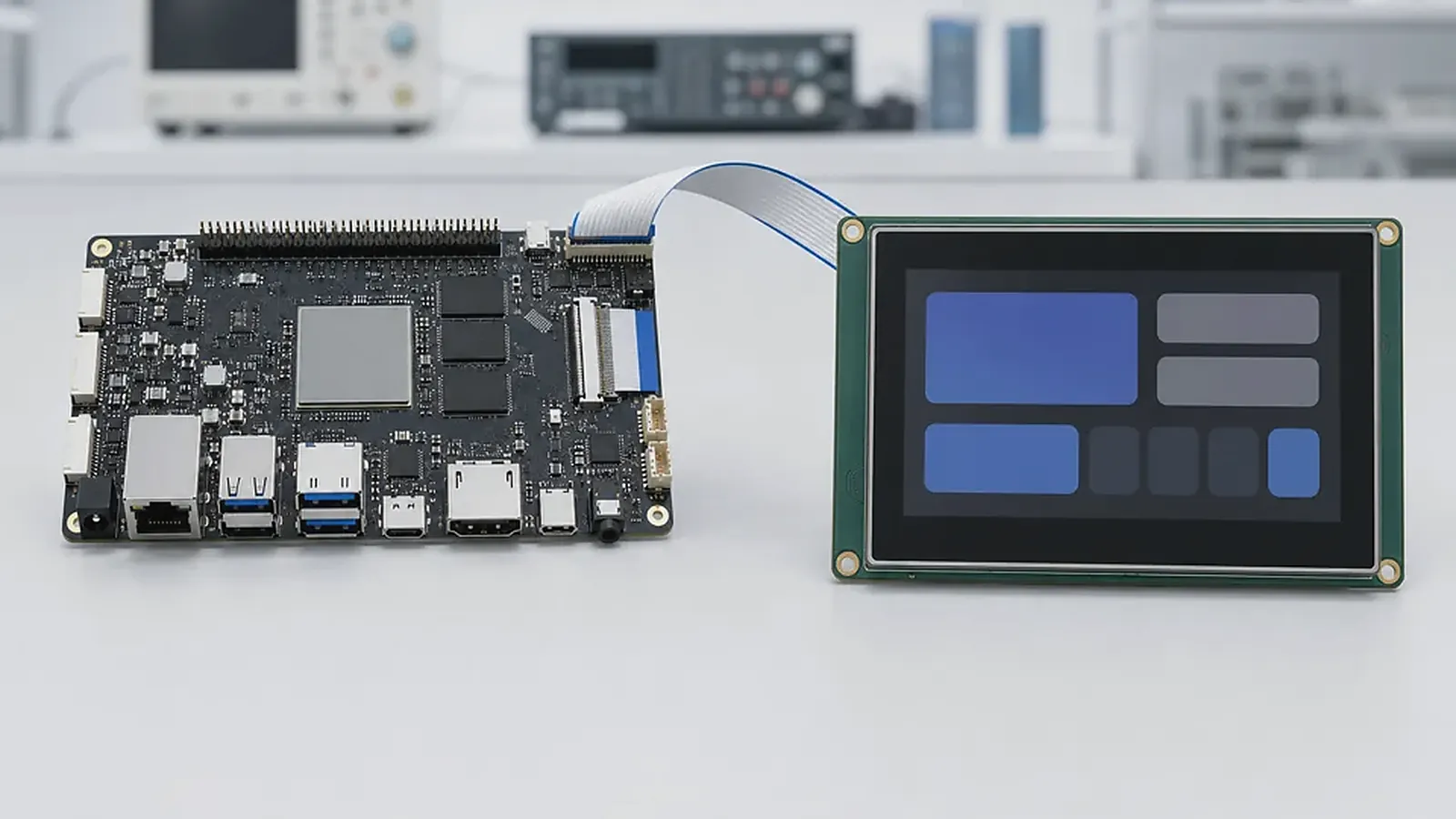
Choosing between an Android SBC and a Linux SBC is one of the first decisions in many embedded product projects. It looks like a software choice, but it quickly affects hardware, display selection, memory size, driver work, factory flashing, update strategy, field support, and even the enclosure. A board that is excellent for a touchscreen terminal may be a poor fit for a gateway. A lean Linux design that runs services reliably may be the wrong starting point for a customer-facing panel that needs a polished app experience.
A useful Linux SBC review is to boot the proposed image with the actual service list, then interrupt power during log writes and network traffic. For Android SBC or Linux SBC for Embedded Devices, this kind of test tells more than a clean lab boot: it shows whether watchdog, filesystem protection, startup order, and remote access are ready for unattended field operation.
The practical answer is not “Android is easier” or “Linux is more stable.” The answer depends on what the product actually does every day. Engineers should look at boot behavior, peripheral access, display and touch requirements, watchdog and recovery, storage writes, and driver support. Project managers should look at schedule risk and who will maintain the image after launch. Procurement should look at supply, module alternatives, testing time, and whether the selected board can stay available through repeat production.
Start with the product workflow
Before comparing processors or operating systems, describe the product in plain language. Does the user stand in front of a screen and interact with menus? Does the device run in a cabinet and talk to machines? Does it need local video, audio, camera, scanner, printer, or NFC? Does it run one locked app, several customer apps, or background services with no display at all?
An Android SBC is usually stronger when the visible UI is central to the product. HMI devices, smart terminals, commercial displays, wall panels, POS-style devices, and room control products often benefit from Android because application development is familiar and the UI layer can move quickly. Android also gives teams a known application model for touch, media, language switching, permissions, and app deployment.
A Linux SBC is usually stronger when the product behaves like infrastructure. Gateways, protocol converters, controllers, data collectors, industrial interfaces, and unattended edge devices often need predictable boot, stable services, serial communication, Ethernet, GPIO, logs, watchdog behavior, and controlled updates. In those products, a desktop-like user experience is less important than field recovery and clean integration with hardware.
Android SBC strengths and risks
Android makes sense when the product needs a rich touchscreen interface, multimedia playback, web content, multiple languages, app-based workflows, or a customer-facing experience. It can also shorten application development when the customer already has Android engineers or an existing APK. For these cases, the board should be selected around display, touch, performance margin, wireless behavior, app startup, and image customization.
The risk is that “Android supported” is too vague. A production Android product may need boot logo control, fixed rotation, app auto-start, hidden navigation keys, permission configuration, launcher replacement, screen timeout control, OTA policy, Wi-Fi setup, audio routing, camera permissions, and factory reset behavior. The official Android Open Source Project documentation explains the platform, but an embedded product still depends on board-level BSP work and supplier delivery.
For sample testing, do not only check whether Android boots. Install the real app, run it on the real display resolution, test touch response, restart power many times, connect wireless networks, and check whether users can leave the intended interface. If the product depends on camera, scanner, printer, USB devices, or audio, test those items before the board is approved.
Linux SBC strengths and risks
Linux is often the cleaner direction for devices that collect data, translate protocols, control equipment, or run a small set of services for years. It gives engineers direct control over bootloader, kernel, device tree, root filesystem, services, logs, watchdog, storage policy, and remote access. For products with Ethernet, RS485, CAN, UART, GPIO, USB, LTE, and local storage, that control is valuable.
The risk is underestimating the software integration. A Linux board is not production-ready just because it reaches a shell. The team needs to confirm kernel version, driver status, boot time, service startup order, filesystem protection, log rotation, watchdog setup, update method, and recovery after sudden power loss. If the product writes logs or local databases, storage planning matters. If the device is installed in a machine room or cabinet, it should recover without a technician connecting a keyboard.
For gateways and controllers, sample testing needs to cover real field events: Ethernet unplugged, serial device offline, server unavailable, power removed during operation, and storage partly filled with logs. These tests often reveal more than CPU benchmarks.
Compare by product requirement, not preference
| Decision area | Android SBC is usually better when… | Linux SBC is usually better when… |
|---|---|---|
| User interface | Touch UI, media, app workflow, kiosk mode | Simple status UI or no display |
| Software model | APK or Android app team already exists | Services, scripts, daemons, protocols |
| Hardware access | Supported peripherals are already in BSP | Direct driver and device tree control is needed |
| Field behavior | User-facing recovery and UI updates matter | Watchdog, logs, and unattended recovery matter |
| Production | Image customization and app preload are key | Flashing, service tests, and interface tests are key |
The table is only a starting point. A smart terminal may use Linux if it is mostly a protocol device with a simple UI. A gateway may use Android if the customer requires an Android app environment and a large display. The OS should follow the product, not the other way around.
When the answer is a custom board
Many products begin with a standard SBC for evaluation and later move to a Custom SBC for production. This is common when the enclosure, mounting holes, connector positions, power input, display interface, antenna location, or cost target cannot be handled cleanly by a standard board. A custom board may also reduce adapters, cables, and manual assembly steps.
The custom decision should not wait until the enclosure is finished. If the product already has a fixed screen, wall box, cable direction, or industrial connector layout, involve the board supplier early. A standard board can still be useful for app development, but the production design should be judged against the final mechanical and test requirements.
Supplier questions before deciding
Ask the supplier to confirm the exact OS version, BSP scope, tested display and touch options, wireless module, Ethernet and serial support, flashing method, image delivery, source or binary policy, known limitations, and production test support. For Android, ask about app auto-start, permissions, navigation restrictions, boot logo, recovery, and OTA. For Linux, ask about kernel, device tree, rootfs, watchdog, logs, update method, and service startup.
If the processor family is still open, compare Rockchip SBC and Allwinner SBC directions. If the product is a wall-mounted panel rather than only a board, Smart Control Panels may be the faster route. For a deeper Android-focused checklist, read Android board evaluation for embedded displays. For Linux gateway planning, read board requirements for Linux gateways and controllers.
Final recommendation
Choose Android when the UI, app workflow, media, and user interaction define the product. Choose Linux when service reliability, interfaces, protocol control, and unattended operation define the product. In both cases, judge the board by the complete product path: BSP, drivers, enclosure, flashing, testing, supply, and support after shipment.
Frequently Asked Questions
What details are useful before we talk about an Android SBC build?
Send the use case, OS preference, display or I/O list, enclosure limits, power input, wireless needs, target quantity, and timing. With that context, Avontek can suggest a Android SBC hardware path that fits the real device instead of only comparing board specifications.
When is a custom SBC worth considering for an Android SBC product?
A custom SBC is worth reviewing when the device needs a fixed PCBA outline, connector position, display interface, power input, wireless module, mounting method, or cost target that a catalog board cannot meet cleanly.
Can Avontek stay involved after Android SBC samples are built?
Yes. Avontek can help with Android SBC board choice, Android or Linux BSP discussion, peripheral checks, sample bring-up, test fixtures, image review, and factory coordination.