
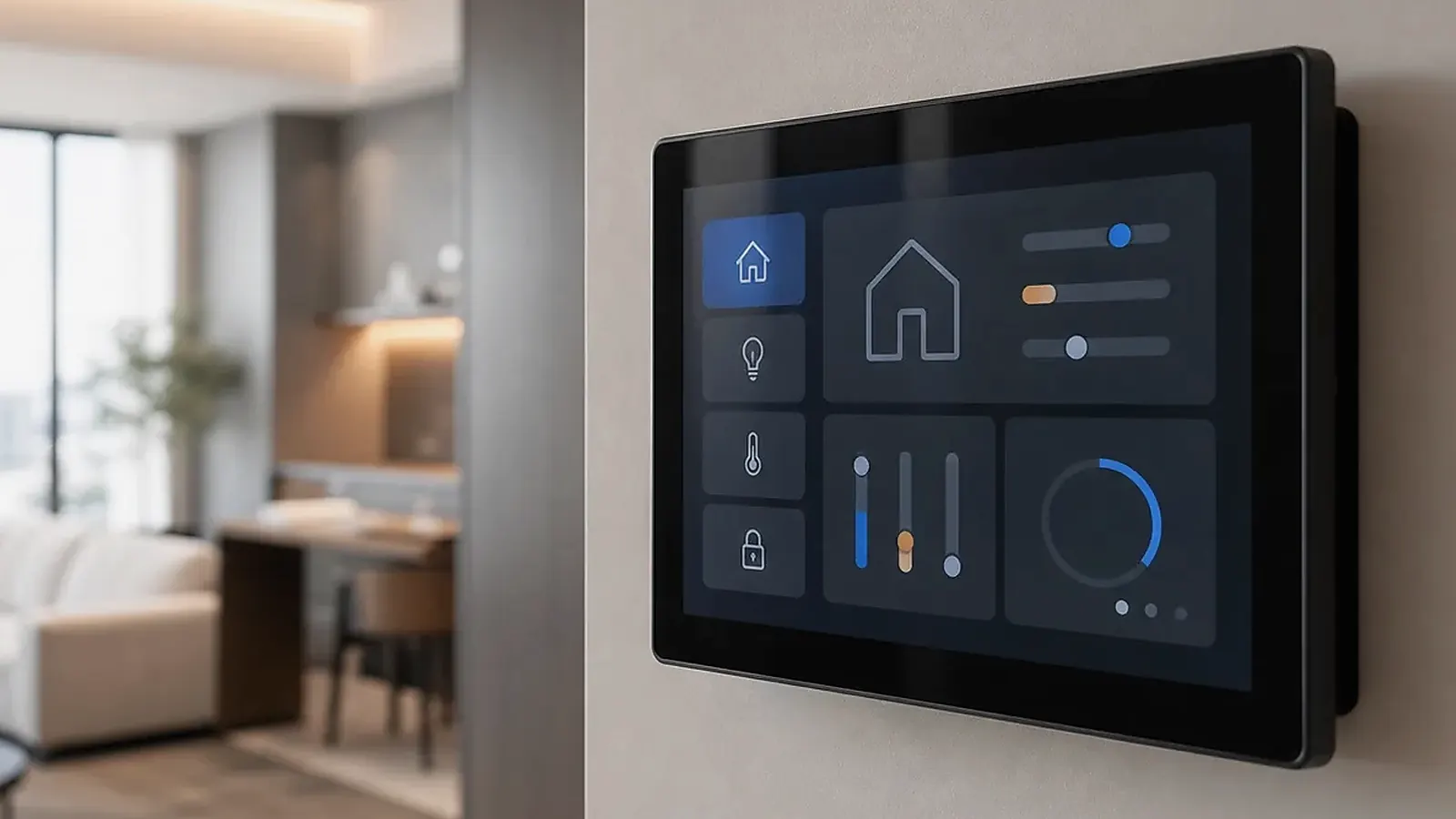
Android smart control panel software should be planned as a product system, not only as an APK installed on a touchscreen. The panel may need to boot into a dedicated app, hide system navigation, control permissions, manage screen timeout, connect to gateways, recover after power loss, and support updates across many installed devices. These details decide whether the panel feels like a finished control product or a tablet placed on a wall.
For a smart control panel project, the wall installation details matter as much as the CPU. On Android Smart Control Panel Software: App Startup, UI Lockdown, Updates, and Integration, check wall box depth, relay or control wiring, Wi-Fi and Bluetooth location, speaker opening, microphone path, branding area, language pack, and how installers will provision the panel after delivery.
For complete wall-mounted products, start from Smart Control Panels. If the project needs a custom board behind a unique enclosure, compare Android SBC and Custom SBC options before committing to a finished panel model.
Define the software role
The panel may act as a local control screen, a gateway UI, a cloud-connected terminal, a hotel room interface, or a branded smart home dashboard. Each role changes the software plan. A simple scene panel may need one locked app and local network access. A hotel room panel may need guest mode, service buttons, language switching, and remote management. A building panel may need integration with a gateway, property platform, or device management system.
Before development, define what the panel must do without internet, what it can do through the cloud, and what happens after network or power failure. These answers affect app design and Android image configuration.
App startup and UI lockdown
Most control panels should boot directly into the customer application. Users should not see normal Android setup screens, launcher choices, system notifications, or engineering menus. The software plan should cover boot logo, launcher, app auto-start, system bar behavior, status bar visibility, navigation restrictions, screen orientation, permissions, and recovery after app crash.
| Software item | Planning question |
|---|---|
| App startup | Does the main app launch after every boot? |
| Launcher | Is the default launcher replaced or restricted? |
| Navigation | Can users exit the control app? |
| Permissions | Are location, network, camera, microphone, and storage controlled? |
| Updates | Are app and system updates local, remote, or factory-only? |
| Logs | Can failures be diagnosed after installation? |
The official Android dedicated devices documentation is useful for understanding locked-down Android devices, but the supplier still needs to configure the panel image for the actual product workflow.
Integration with gateways and devices
A smart control panel rarely works alone. It may connect to a local gateway, Wi-Fi devices, Bluetooth devices, cloud APIs, RS485 systems, or a building control platform. Define whether the panel sends commands directly, displays data from another controller, or only hosts the user interface.
If the system uses a gateway, clarify the protocol, local network behavior, pairing process, error handling, and offline mode. If the panel controls devices directly, confirm supported radios, APIs, and security. If the product uses Matter or another ecosystem standard, confirm the architecture instead of assuming the panel can act as every role.
Integration testing needs to use the real device list, not only simulated buttons. Lighting, HVAC, curtain motors, sensors, intercom, access control, and scene logic may all have different response times and failure modes. The app should show clear status when a command fails, a gateway is offline, or a device is unavailable.
Update and maintenance strategy
Panels installed across homes, hotels, or apartments need a maintenance plan. App updates, configuration changes, language files, device lists, and system image updates may all be required. The project should decide whether updates happen through a customer app, MDM-like tool, local USB, factory flashing, or supplier-provided image.
Logs are equally important. When a panel fails in the field, the support team needs to know whether the issue is network, gateway, app, Android image, power, or hardware. Basic logs and version information can reduce field service time.
Version control should be simple enough for non-engineering teams to check. The panel should expose or record Android image version, app version, configuration version, and device identifier. This makes it easier to compare a problem unit against a known-good unit during a building deployment.
Testing before deployment
Software testing needs to cover boot, app startup, screen sleep, wake behavior, network reconnect, gateway reconnect, UI response, multi-language layout, power loss recovery, and long-running operation. If the panel is customer-facing, test what happens when users tap quickly, disconnect Wi-Fi, or power-cycle the room.
For broader product preparation, read planning inputs for smart control panel projects and BSP acceptance scope for Android buyers. The same BSP discipline applies when a panel needs controlled Android behavior.
Final recommendation
Plan Android smart control panel software around the installed product: app startup, UI lockdown, permissions, updates, integration, logs, and recovery. A polished wall panel depends as much on software control as it does on screen size and enclosure design.
Frequently Asked Questions
What details are useful before we talk about a Smart Control Panels build?
Send the use case, OS preference, display or I/O list, enclosure limits, power input, wireless needs, target quantity, and timing. With that context, Avontek can suggest a Smart Control Panels hardware path that fits the real device instead of only comparing board specifications.
When is a custom SBC worth considering for a Smart Control Panels product?
A custom SBC is worth reviewing when the device needs a fixed PCBA outline, connector position, display interface, power input, wireless module, mounting method, or cost target that a catalog board cannot meet cleanly.
Can Avontek stay involved after Smart Control Panels samples are built?
Yes. Avontek can help with Smart Control Panels board choice, Android or Linux BSP discussion, peripheral checks, sample bring-up, test fixtures, image review, and factory coordination.