
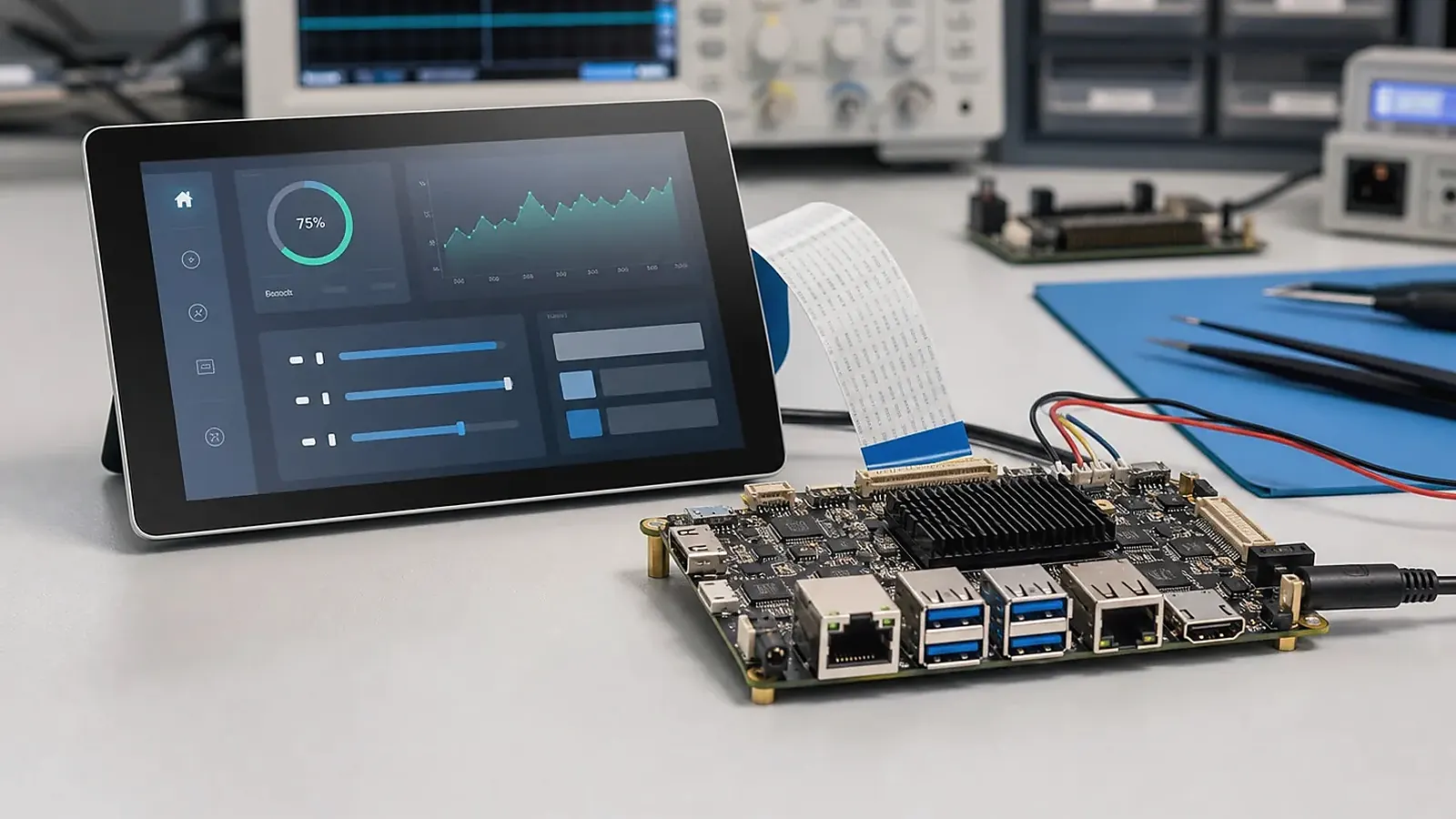
An Android HMI product is judged by what the user sees and touches. The processor matters, but the screen, touch response, boot behavior, application workflow, and field reliability usually decide whether the product feels finished. That is why choosing an Android SBC for HMI should begin with display and interaction requirements before moving into CPU comparison.
For Android SBC for HMI: Display, Touch, BSP, and Production Considerations, the BSP conversation should list what is already working and what still needs bring-up. Display, touch, Ethernet, Wi-Fi, Bluetooth, camera, audio, storage, GPIO, watchdog, and update behavior may sit in different parts of the SDK, so vague driver promises are hard to manage.
HMI devices are used in equipment panels, commercial terminals, room controls, industrial interfaces, appliance displays, access systems, and connected control products. Some are simple touch panels with one main application. Others need Ethernet, serial communication, camera, audio, wireless, sensors, or a custom enclosure. The Android board should be evaluated as part of the final product, not as an isolated electronics module.
Define the HMI environment
The first question is where the HMI will operate. A wall-mounted room panel has different requirements from a machine interface installed near motors, long cables, and electrical noise. A commercial kiosk has different priorities again: user-facing UI, camera, speaker, microphone, payment or scanner peripherals, and fast service access.
For a general HMI SBC direction, define installation method, operating temperature, screen size, brightness, power input, enclosure depth, cable route, and expected product lifetime. For an Android SBC direction, also define launcher behavior, app permissions, update method, boot logo, language requirements, and whether users should access normal Android settings.
Treat display selection as a system decision
Android HMI projects often start with a preferred LCD. The display may be chosen for size, brightness, viewing angle, cost, industrial availability, or enclosure appearance. Before selecting the board, confirm the display interface and whether the Android BSP already supports that display direction.
MIPI DSI can be compact and common for modern panels, but cable length and routing need care. LVDS is common in industrial displays and can be practical for larger panels. RGB may be suitable for mature cost-sensitive designs. HDMI is convenient for evaluation but may not be ideal inside a compact final product. The board, display, touch panel, cable, and enclosure needs review together.
| HMI display item | Engineering question |
|---|---|
| Interface | Does the board support the required LCD interface and timing? |
| Resolution | Is the UI performance acceptable at the target resolution? |
| Orientation | Does the image rotate cleanly from boot to app startup? |
| Backlight | Can brightness, PWM, and power sequencing be controlled? |
| Supply | Is the LCD stable for pilot and production batches? |
If the display is not final, ask the board supplier which panels are already proven. If the display is final, send the datasheet early. Guessing display compatibility from connector shape is a common mistake.
Touch integration needs more than a connector
Touch behavior affects the perceived quality of the HMI. The touch controller may use I2C or USB, and the driver must match the selected Android image. Engineers should check multi-touch, coordinate mapping, rotation, wake behavior, noise resistance, and behavior with cover glass. Project managers should also confirm whether the touch panel supplier can keep the same controller IC during production.
For industrial or equipment environments, touch reliability may require extra attention to grounding, cable shielding, enclosure structure, and power noise. If the product uses gloves, thick cover glass, waterproof sealing, or special front panels, include that information before the board decision.
Android BSP scope for HMI products
An HMI product rarely uses Android exactly as shipped in a development image. The BSP may need boot logo changes, display timing, touch driver configuration, system bar control, app auto-start, restricted settings, permissions, screen sleep behavior, watchdog strategy, OTA planning, and factory reset behavior. The official Android developer documentation is useful for application-level concepts, but embedded HMI products depend heavily on board BSP and device configuration.
A supplier should be able to explain what is standard and what is custom. For example, enabling one known MIPI display may be routine, while adapting a new panel and touch controller may require engineering time. Adding a camera, audio codec, or custom peripheral can also change the scope. A clear BSP list prevents surprises after the mechanical design is already locked.
Choose the platform by UI and peripheral load
Rockchip Android platforms are often selected for HMI products that need stronger graphics, multimedia, camera, or higher-resolution displays. A PX30 SBC may fit compact HMI products with moderate UI requirements, while a broader Rockchip SBC review is better when the screen is larger or the product needs future software headroom.
Allwinner Android platforms can fit cost-sensitive HMI products where the UI is simpler and the peripheral set is controlled. An Allwinner SBC direction may be worth considering for compact display products, simple terminals, and price-sensitive applications. The right comparison needs to cover actual display support, Android version, driver status, and supply plan, not only CPU frequency.
Mechanical and production checks
An HMI board must fit the enclosure. Connector direction, cable bend radius, mounting holes, heat source location, antenna position, speaker cavity, service port access, and test points can all affect production. If the standard board creates awkward cable routing or blocks the enclosure design, a Custom SBC may reduce assembly risk.
Production testing needs to verify the screen, touch, Wi-Fi, Bluetooth, Ethernet, USB, audio, camera, storage, serial ports, GPIO, buttons, LEDs, and the application startup path. A simple HMI factory test page can save time during pilot builds:
HMI factory test:
1. Show display color bars and backlight levels.
2. Draw touch path and verify all screen areas.
3. Test Wi-Fi, Bluetooth, Ethernet, USB, audio, and camera.
4. Confirm serial number, MAC address, Android image version, and app launch.
5. Save pass/fail result for production tracking.
When a complete panel is faster
Some HMI projects do not need a board-first path. If the product is a wall-mounted control interface, room panel, or smart home terminal, a complete Smart Control Panels product may shorten development. If the product shape, screen, enclosure, branding, and software workflow are unique, board-level development still makes sense.
For broader HMI hardware planning, read HMI mainboard design for touch displays. For Android-specific platform decisions, focus on display, touch, BSP, enclosure, and production testing before comparing processor names.
Frequently Asked Questions
What details are useful before we talk about an Android SBC build?
Send the use case, OS preference, display or I/O list, enclosure limits, power input, wireless needs, target quantity, and timing. With that context, Avontek can suggest a Android SBC hardware path that fits the real device instead of only comparing board specifications.
When is a custom SBC worth considering for an Android SBC product?
A custom SBC is worth reviewing when the device needs a fixed PCBA outline, connector position, display interface, power input, wireless module, mounting method, or cost target that a catalog board cannot meet cleanly.
Can Avontek stay involved after Android SBC samples are built?
Yes. Avontek can help with Android SBC board choice, Android or Linux BSP discussion, peripheral checks, sample bring-up, test fixtures, image review, and factory coordination.