
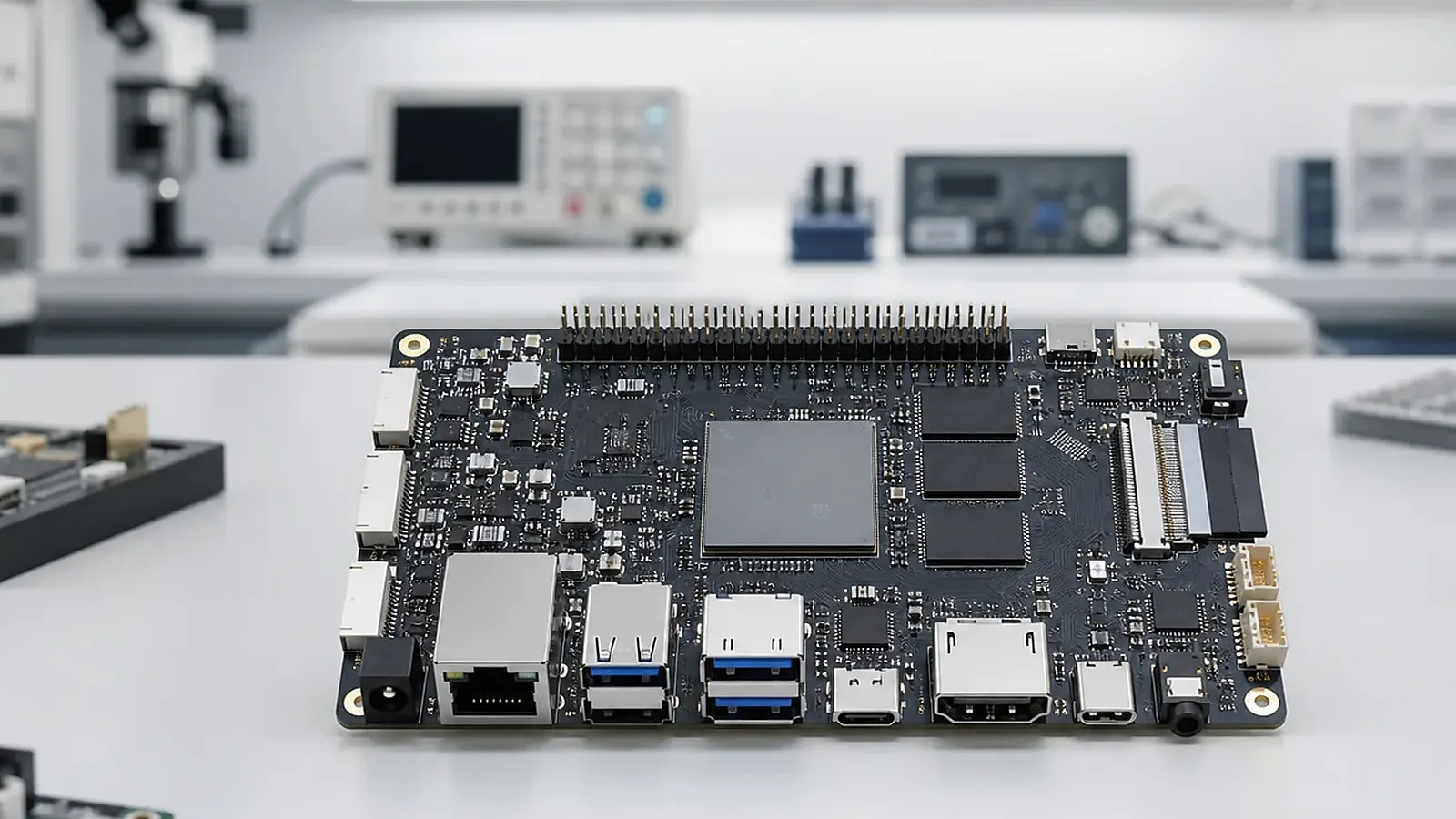
BSP and driver support is where the selected SBC becomes a real product platform. A board may be electrically correct and still miss the product requirement if display, touch, wireless, Ethernet, USB, UART, GPIO, storage, audio, camera, boot behavior, or system image configuration is incomplete. For embedded products, BSP work is not a side task after hardware selection. It is part of the product plan.
A practical driver plan for Android and Linux BSP Driver Support for SBC Projects includes reproduction steps, logs, image version, test hardware, and ownership for each issue. Without that record, the same bug can reappear between engineering samples, pilot production, and repeat batches under a different name.
The phrase “BSP support” can mean very different things from different suppliers. Sometimes it means a bootable demo image. Sometimes it includes device tree changes, driver adaptation, Android image customization, Linux root filesystem work, flashing tools, factory test support, and issue debugging. Buyers should clarify the expected deliverables before samples are approved.
Android BSP and Linux BSP have different priorities
For Android SBC projects, BSP work often includes display and touch integration, boot logo, launcher behavior, app auto-start, permissions, navigation restrictions, Wi-Fi, Bluetooth, camera, audio, USB access, storage, screen timeout, OTA policy, and factory image preparation. Android products are usually judged by user experience, so small image details can affect the whole product.
For Linux SBC projects, BSP work often focuses on bootloader, kernel, device tree, root filesystem, Ethernet, serial ports, RS485 control, CAN, GPIO, storage, RTC, watchdog, services, logs, update method, and long-running operation. Linux products are usually judged by reliability and hardware control, so service startup and recovery behavior matter as much as drivers.
The official Android platform documentation is useful background, but board-level support still depends on the SoC vendor, board supplier, selected peripherals, and final product configuration.
Driver support starts with hardware choices
Driver work is affected by IC selection. Display panels, touch controllers, wireless modules, Ethernet PHYs, audio codecs, camera sensors, PMICs, storage devices, USB hubs, RS485 transceivers, CAN controllers, and LTE modules can all change the software work. For a Custom SBC, these decisions need review before schematic and layout are locked.
Procurement changes can also create driver work. A substitute Wi-Fi module, eMMC, touch controller, or display may look similar in the BOM but require new validation. This is why engineering and purchasing should agree on approved alternatives, not only target price.
| Area | Android BSP questions | Linux BSP questions |
|---|---|---|
| Display/touch | Resolution, rotation, boot logo, touch controller | DRM/framebuffer, touch driver, calibration |
| Wireless | Wi-Fi, Bluetooth, permissions, settings | Driver, firmware, reconnect behavior |
| Interfaces | USB, camera, audio, app access | Ethernet, UART, RS485, CAN, GPIO |
| Boot | Logo, app startup, kiosk behavior | Bootloader, services, watchdog |
| Updates | OTA policy, recovery, factory reset | Image update, rollback, filesystem protection |
What should be included in BSP deliverables
A useful BSP delivery should identify the supported hardware revision, OS version, kernel version where applicable, image version, tested peripherals, known limitations, flashing method, configuration files, and test procedure. If source code is included, define what is included and what remains binary. If the project only receives a binary image, define how future changes and bug fixes will be handled.
For Android, deliverables may include system image, boot logo, launcher configuration, app preload, permission settings, display configuration, touch driver, wireless configuration, camera and audio support, and flashing tool. For Linux, deliverables may include bootloader, kernel, device tree, root filesystem, driver patches, service files, watchdog setup, scripts, and factory test utilities.
Testing BSP work properly
BSP validation needs to use the real product requirement, not only a generic demo. Test the exact display, touch panel, wireless module, camera, audio codec, Ethernet, serial devices, USB peripherals, GPIO, storage, and application workflow. Restart the device repeatedly. Remove power during operation. Fill logs. Disconnect networks. Check whether the product recovers in a way that is acceptable for the field.
For Android, install the real APK and check permissions, startup, UI restrictions, sleep/wake, rotation, and recovery. For Linux, test service startup, watchdog, log rotation, storage behavior, and remote update if required. Keep records of board revision, image version, test date, and open issues.
BSP support and production
Production also depends on BSP. The factory needs a stable image, flashing tool, version naming, MAC address or serial number handling, functional test software, and a method to identify failed units. If the test fixture uses software commands, those scripts should be treated as deliverables too.
For related practical checklists, read Android BSP bring-up for display and wireless and driver bring-up for Ethernet, RS485, GPIO, and storage. The FAQ page can also help buyers prepare common questions before discussing BSP support.
Questions buyers should ask early
Before approving a platform, ask what is already supported, what is new work, and what evidence exists. A useful answer should name the OS version, board revision, tested peripherals, display status, touch status, wireless module, storage device, flashing method, and known limitations. If the supplier says a function is supported, ask whether it was tested on the same hardware configuration planned for production.
For custom board projects, ask how schematic changes will be reflected in BSP work. A different Ethernet PHY, touch controller, camera sensor, or PMIC may need device tree changes, driver patches, or Android configuration updates. These tasks should appear in the schedule instead of being discovered after the PCB is built.
Acceptance criteria for BSP delivery
BSP delivery should be accepted with tests, not only file transfer. Android acceptance may include boot logo, display, touch, Wi-Fi, Bluetooth, camera, audio, USB, app auto-start, permissions, sleep/wake, and factory reset. Linux acceptance may include bootloader, Ethernet, serial ports, GPIO, storage, watchdog, services, logs, update method, and power-loss recovery.
Keep the acceptance record tied to board revision and image version. This gives both customer and supplier a clear reference when issues appear during pilot production or later batches.
Common mistakes to avoid
The first mistake is assuming that a demo image is the same as a product image. Demo images are useful for evaluation, but production may need locked settings, app startup, tested peripherals, version control, and factory flashing. The second mistake is changing hardware after BSP validation. A new display, touch controller, Wi-Fi module, or storage part can reopen driver work.
The third mistake is accepting BSP support without a test list. “Supported” should always be tied to a board revision, OS version, peripheral model, and test result. If the project has multiple hardware revisions, each one needs its own validation record.
BSP work should also include factory needs. Test commands, flashing scripts, image names, and failure logs are part of a real production handoff.
For buyers, the most useful habit is to keep BSP questions tied to product behavior. Instead of asking only whether Wi-Fi or touch is supported, ask how it was tested, which module was used, what happens after reboot, and whether the factory can verify it on every unit.
That style of question keeps the discussion practical and reduces surprises during pilot production.
Final recommendation
Treat BSP and driver support as part of product development, not only technical support after the sale. Define the hardware, OS, peripherals, image behavior, source or binary policy, test method, and production flashing flow before committing to a platform. A board becomes production-ready only when hardware and BSP are validated together.
Frequently Asked Questions
What details are useful before we talk about a BSP & Driver build?
Send the use case, OS preference, display or I/O list, enclosure limits, power input, wireless needs, target quantity, and timing. With that context, Avontek can suggest a BSP & Driver hardware path that fits the real device instead of only comparing board specifications.
When is a custom SBC worth considering for a BSP & Driver product?
A custom SBC is worth reviewing when the device needs a fixed PCBA outline, connector position, display interface, power input, wireless module, mounting method, or cost target that a catalog board cannot meet cleanly.
Can Avontek stay involved after BSP & Driver samples are built?
Yes. Avontek can help with BSP & Driver board choice, Android or Linux BSP discussion, peripheral checks, sample bring-up, test fixtures, image review, and factory coordination.