
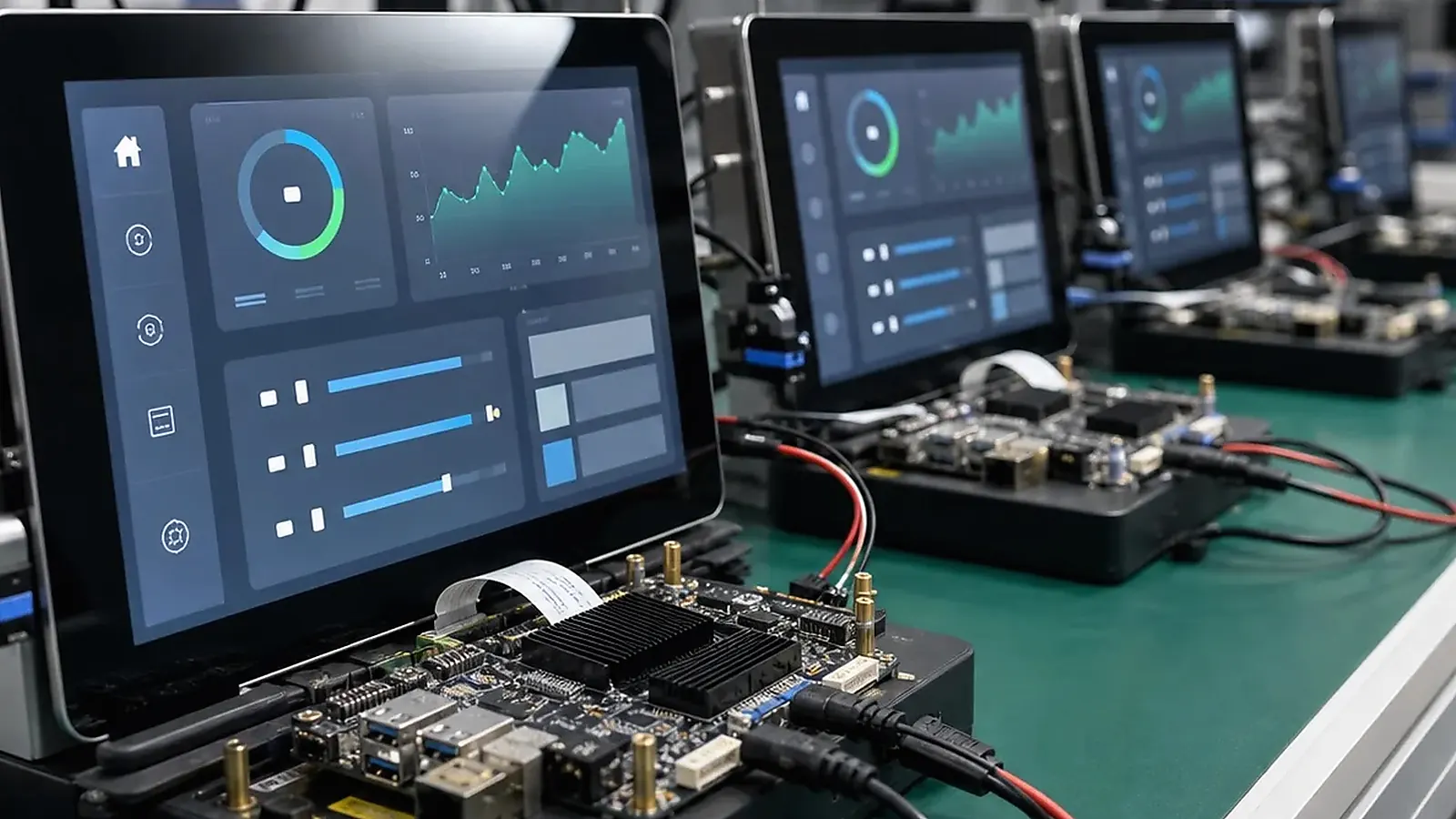
Android BSP bring-up turns a board into a usable embedded product. Booting Android is only the first milestone. A real product also needs display timing, touch mapping, wireless modules, audio, camera, USB behavior, boot logo, app startup, permissions, system image versioning, and production flashing. If these items are not defined early, the project can look close to completion while still missing important product behavior.
A practical driver plan for Android BSP Bring-Up Checklist: Display, Touch, Wireless, Boot, and App Startup includes reproduction steps, logs, image version, test hardware, and ownership for each issue. Without that record, the same bug can reappear between engineering samples, pilot production, and repeat batches under a different name.
For an Android SBC or custom Android board, BSP work should be planned around the final device, not only the SoC reference image. Engineers need clear hardware details. Project managers need deliverables and schedule. Procurement needs to know which components cannot be changed without software impact.
Start with the hardware list
The Android BSP team needs exact hardware information: SoC, memory, storage, PMIC, display, touch controller, Wi-Fi/Bluetooth module, Ethernet PHY, camera sensor, audio codec, USB devices, buttons, LEDs, and power behavior. If the product uses a Custom SBC, the schematic and BOM need review before BSP scope is confirmed.
| BSP area | What to confirm |
|---|---|
| Display | Interface, resolution, timing, rotation, backlight |
| Touch | Controller, I2C/USB, coordinate mapping, wake behavior |
| Wireless | Wi-Fi, Bluetooth, firmware, antenna, regulatory plan |
| Audio/camera | Codec, speaker, microphone, camera sensor, permissions |
| System | Boot logo, launcher, app startup, navigation, settings lock |
| Production | Flashing tool, image version, test APK, serial numbers |
The official Android Open Source Project documentation is useful background, but commercial products depend on board-specific BSP and driver integration.
Display and touch bring-up
Display and touch are often the highest-risk Android bring-up items. The system must handle resolution, orientation, backlight, boot logo timing, and app display behavior. Touch must map correctly across the full screen and remain stable after sleep, wake, and rotation.
If the LCD or touch controller changes during purchasing, the Android image may need changes. For this reason, display and touch components should be controlled before pilot production. For broader hardware planning, read display and touch integration for Android HMI.
App startup and dedicated device behavior
Embedded Android products often need a controlled experience: custom boot logo, automatic app startup, hidden navigation bar, restricted settings, fixed orientation, controlled permissions, and recovery after app crash. These items need to be part of BSP planning, not left to the final application team alone.
For smart terminals and control panels, test boot to app, power recovery, screen timeout, network reconnect, and whether users can exit the intended workflow. The image should make the product behave like a dedicated device, not a general tablet.
Ownership should also be clear. The board supplier may own Android image configuration, low-level drivers, flashing tools, and factory test support, while the customer may own the business application, cloud service, and UI content. If the boundary is unclear, application bugs and BSP issues can be assigned to the wrong team.
Wireless, USB, and peripherals
Wi-Fi, Bluetooth, USB, camera, audio, NFC, scanner, printer, and other modules should be validated under real product conditions. Test reconnect behavior, sleep/wake, permissions, and app access. A peripheral that works once after boot may still fail after unplugging, network loss, or repeated standby cycles.
If the project uses Rockchip SBC or Allwinner SBC platforms, ask what is already supported in the supplier’s Android image and what requires custom driver work.
Production image and testing
A production Android image should have version naming, change log, flashing instructions, supported peripheral list, known limitations, and factory test procedure. Factory tests should cover display, touch, wireless, USB, audio, camera, storage, app startup, labels, MAC address, and serial number.
The approved image should be kept with a golden sample. If a later batch changes display, wireless module, memory, or storage, the image and test plan need review again.
Practical BSP deliverables should be listed before development begins. A useful package may include flashable image, flashing tool, supported interface list, peripheral test method, boot logo configuration, app startup configuration, image version, and known limitations. Not every project needs source delivery, but every project needs clarity on what will be delivered.
Pilot testing needs to use the final display, touch panel, enclosure, power supply, wireless environment, and customer app. Test repeated power cycles, sleep/wake, network loss, app crash, peripheral reconnect, and factory reset. These tests catch issues that a simple boot demo cannot show.
For procurement, mark components that affect BSP. Display, touch controller, Wi-Fi/Bluetooth module, camera sensor, audio codec, storage, and PMIC should not be substituted casually. A cheaper alternate can create new driver work and delay shipment.
Final recommendation
Plan Android BSP bring-up as a product workflow: hardware list, display, touch, wireless, app startup, permissions, system image, and production test. Clear BSP scope reduces late surprises and helps the board move from sample to repeatable shipment.
Frequently Asked Questions
What details are useful before we talk about a BSP & Driver build?
Send the use case, OS preference, display or I/O list, enclosure limits, power input, wireless needs, target quantity, and timing. With that context, Avontek can suggest a BSP & Driver hardware path that fits the real device instead of only comparing board specifications.
When is a custom SBC worth considering for a BSP & Driver product?
A custom SBC is worth reviewing when the device needs a fixed PCBA outline, connector position, display interface, power input, wireless module, mounting method, or cost target that a catalog board cannot meet cleanly.
Can Avontek stay involved after BSP & Driver samples are built?
Yes. Avontek can help with BSP & Driver board choice, Android or Linux BSP discussion, peripheral checks, sample bring-up, test fixtures, image review, and factory coordination.